 Glyphfield
Motion overview
Choose between Animation, Lottie, and Design Lab for motion work by comparing their inputs, timing models, frame rates, and export formats.
Glyphfield Studio has three tools that produce motion: Animation, Lottie, and Design Lab (the layered composition tool). All three take live materials from the Shader Library with its palettes and material time model. All three encode GIF with the same library and encode MP4 in the browser with the same encoder.
| Need | Tool |
|---|---|
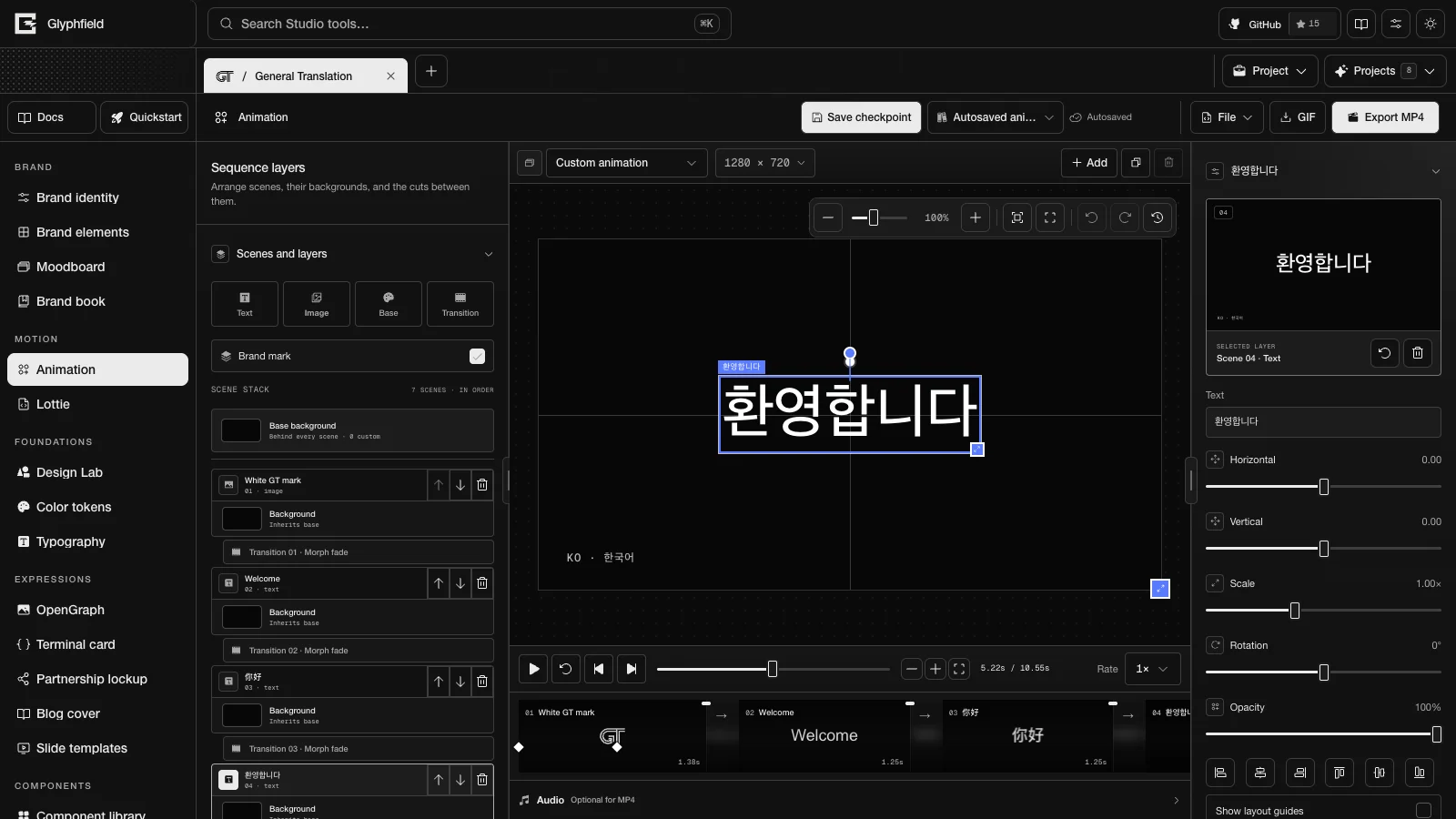
| A sequence of text, logo, and image scenes with transitions, keyframes, text entrances, captions, and audio | Animation |
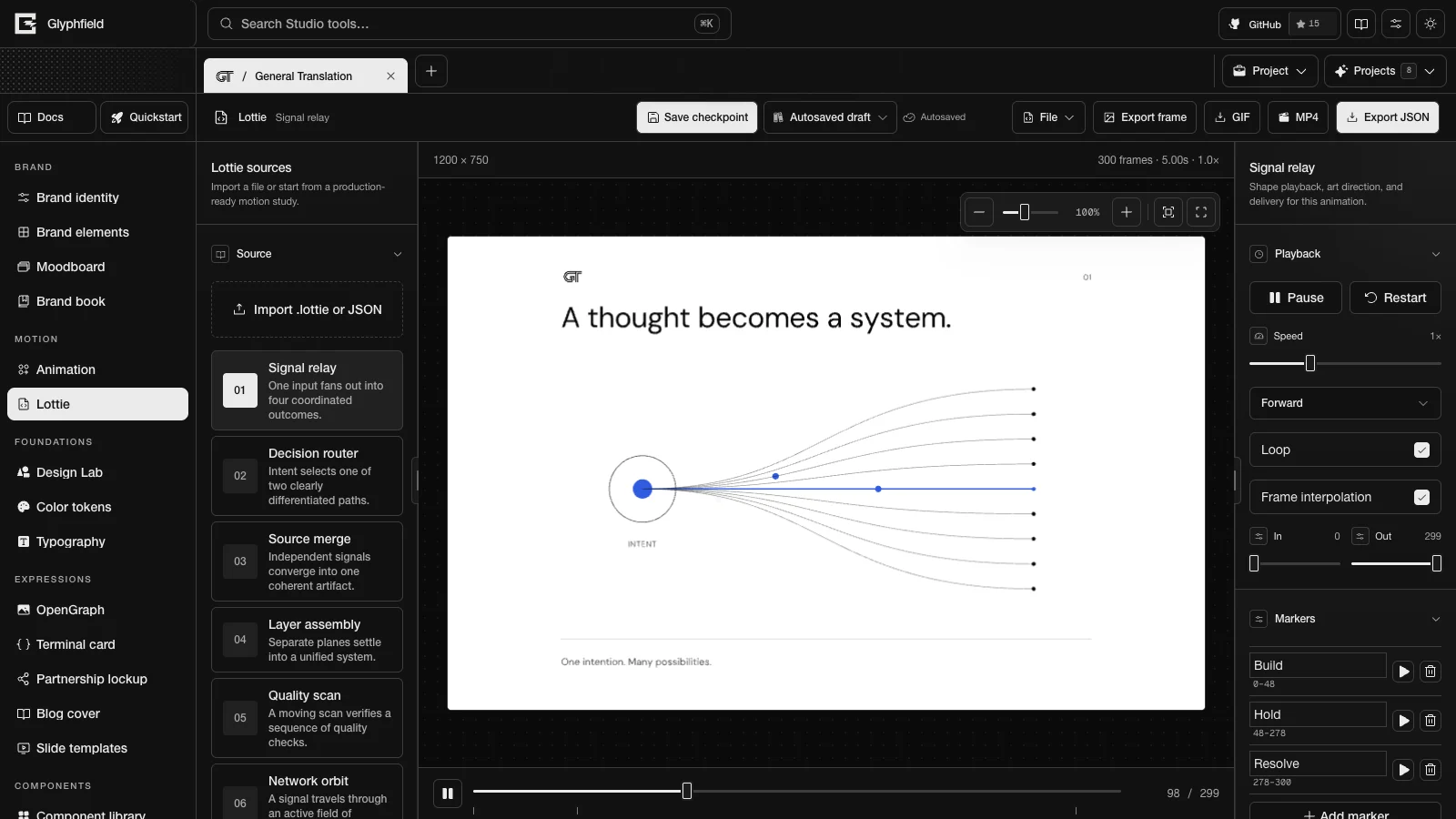
Playback, editing, recoloring, and trimming of a Lottie JSON or .lottie file | Lottie |
| A layered poster whose shaders move, or a clip that cuts through several shaders | Design Lab |
| Choosing and tuning a live material | Shader Library |
Tool comparison
| Animation | Lottie | Design Lab | |
|---|---|---|---|
| Input | Text frames, the brand mark, local images, audio files | Built-in studies, local .lottie or JSON files | Layers on artboards |
| Timing | A hold and an outgoing transition per scene on a storyboard, and layer keyframes | The Lottie file's frames, in and out points, markers, speed, and direction | Shader time, and an optional shader sequence of 8–12 materials |
| Background | Solid, gradient, or a Shader Library material behind every scene, with per-scene overrides | Transparent, a solid color, or a live material | Any number of shader layers |
| Exports | GIF, MP4 with audio, PNG poster frame, project file | PNG frame, GIF, MP4, edited JSON or the original .lottie | PNG, JPG, GIF, MP4, shader-sequence GIF and MP4, project file |
| Frame rates | 10, 15, 20, 24, 30 FPS | GIF 25 FPS, MP4 30 FPS | 12, 15, 24, 30, 60 FPS |
| Audio | Yes, in MP4 only | No | No |
| Browser API | animation.* | lottie.* | design.* |
Shared rules
- Each tool runs one export at a time.
- GIF has no audio channel.
- MP4 needs a browser video encoder. Glyphfield tries H.264 first and reports a missing encoder as an error. It does not produce a GIF in place of the MP4.
- Stateful materials, such as Fluid Energy and the interactive Shaders.com materials, cannot be reproduced from a time value. Animation and Lottie refuse to export motion over a stateful background. Design Lab exports exact stills of them and refuses motion that samples them by timestamp.
- A continuous animation clock does not make a seamless loop. Inspect several frames and the seam of every looping file.
- Studio follows the
prefers-reduced-motionsetting, and Reduce motion in Visual settings pauses decorative effects. Exports still contain the full requested motion.
Brand book
Turn the brand identity into a 54-page standards book, reorder and hide its sections, edit each page's layout and copy, and print it to PDF.
Animation
Sequence text, logo, and image scenes with keyframes, text entrances, and transitions, add audio, and export GIF, MP4, a PNG poster, or a project file.