 Glyphfield
Shared editor components
Reuse the shared shell, color, canvas, layer, source, select and storage components when you build or change a Studio tool in the Glyphfield codebase.
Studio tools in the Glyphfield codebase are built from shared components and hooks for the tool shell, color fields, zoom, layer editing, select menus, source editing and draft storage. A contributor who builds a tool from them gets the same interaction, accessibility, automation and export behavior as the other tools.
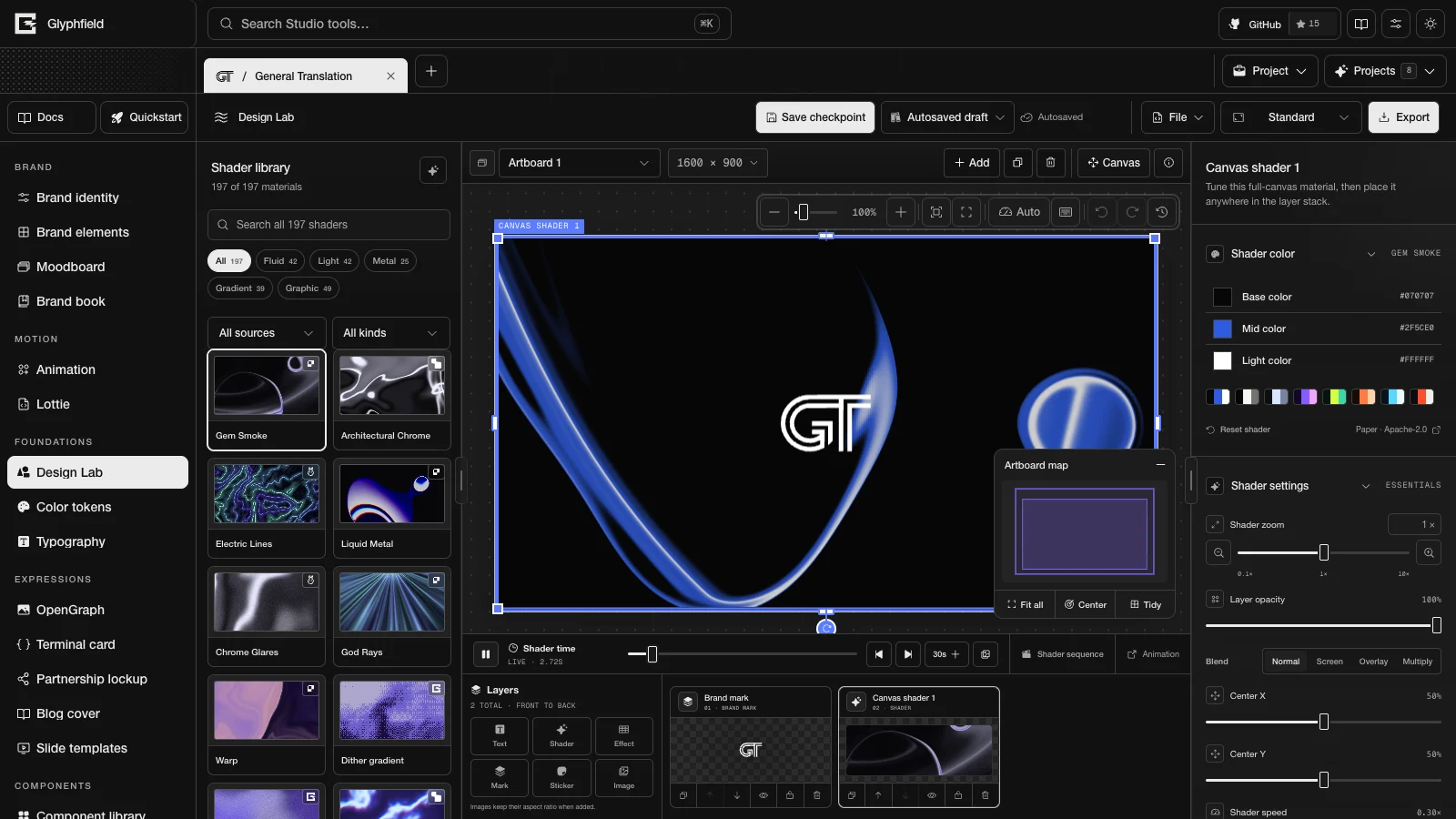
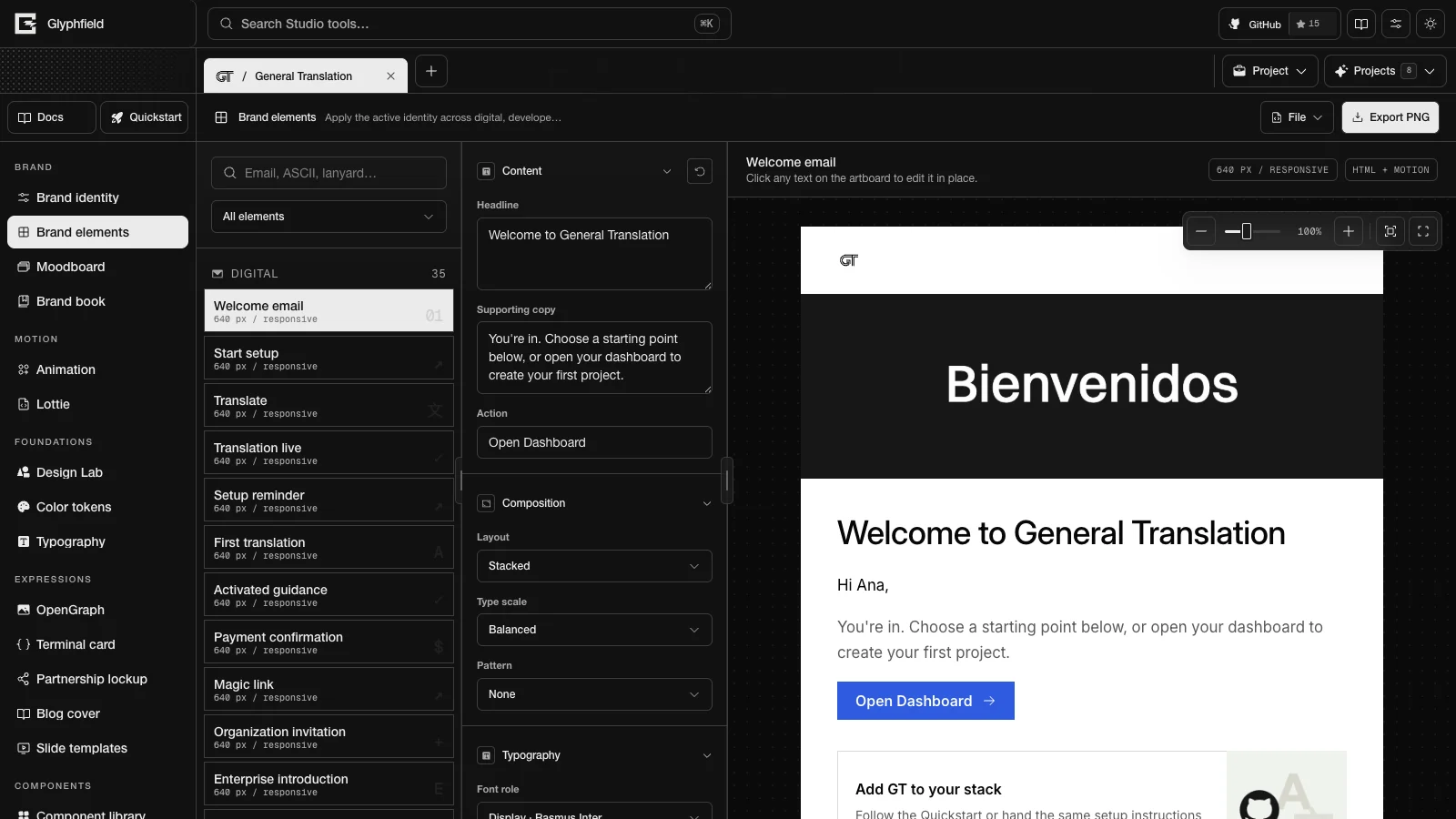
Component map
| Component or module | Responsibility | Used by |
|---|---|---|
ToolShell (src/components/tools/ToolShell.tsx) | Tool header, left and right sidebars, the File menu, the lazily loaded source drawer and Browser API registration | Color tokens, Typography, Component library and the five expression tools |
StudioToolHeader | Header with the tool icon, title, description, a status slot and an actions slot | ToolShell and the tools that build their own shell |
StudioFileMenu | The File menu: optional Open project file and Download project file, tool-specific sections, and Edit source code under Advanced | Every tool with a source document |
StudioActionMenu (src/components/ui/) | A named toolbar button that opens the shared StudioContextMenu in a portal. Arrow keys also open it | File, More exports and the Studio header |
LabInspectorSection (src/components/LabWorkspace.tsx) | Collapsible inspector section with an icon. Collapsed content stays mounted | Design Lab, Animation, Lottie, Moodboard, Brand elements and Brand book, and every ControlSection from src/components/tools/ToolFields.tsx |
ColorControl (src/components/ui/ColorControl.tsx) | Swatch, picker, HEX, OKLCH, optional opacity and the screen eyedropper. The parent owns the value | Brand identity, Color tokens, Component library, Design Lab, Brand elements, Lottie, the expression tools and Visual settings |
CanvasViewport | Zoom, fit, view reset, pan, and optional Undo, Redo and Action history. Zoom is saved per project and tool | Design Lab, Animation, Lottie, Moodboard, Brand elements and the expression tools |
EditableCanvasLayer | Selection, move, resize, keyboard nudge, snapping guides and an optional rotate handle. The parent owns the transform | Design Lab, Animation and the expression tools |
SourceCodeDrawer and LazySourceCodeDrawer | The JSON source drawer. Tools mount LazySourceCodeDrawer, which loads the editor and its syntax grammar the first time a drawer opens | Every tool with a source document |
src/lib/sourceCode.ts | JSON parsing and diagnostics, rich-text space cleanup, formatting, and readers for constrained strings, numbers, Booleans, arrays and objects | Source validators in every tool |
src/lib/canvasDocument.ts | CanvasDocument schema 2: pages, elements, assets, parsing, serialization, mutations, history helpers and preflight | Design Lab, Animation, Lottie and the expression tools |
StudioSelect (src/components/ui/) | Select trigger and popover built on Radix Select, with keyboard navigation | Fonts, assets, materials, layouts, formats, languages and presets |
MaterialFinishControls | Finish preset, Shadow, Border, Reflection and Liquid glass | Animation frames and backgrounds |
LogoAppearanceControls | Invert, dither, outline and shadow for logos, images and stickers | Design Lab, Brand elements and the expression tools |
useStudioDraft (src/hooks/usePersistentState.ts) | Field state saved in localStorage under one key per project, tool and field | Tool fields, zoom, layers, surfaces, layouts and export settings |
usePortableCanvasWorkspace (src/hooks/) | Embeds assets, serializes the CanvasDocument, restores and writes autosave, and registers the project snapshot used when a project is duplicated | Design Lab, Animation, Lottie and the expression tools |
src/lib/studioAutomation.ts | The Browser API registry (window.glyphfield.studio): accessible controls, source round trips, tool actions and Blob downloads | Every Studio tool |
Color control
ColorControl is one component with optional features. By default it is compact: a row with the swatch, the label, the HEX value and the opacity opens a picker popover. compact={false} shows the swatch, HEX and OKLCH fields inline for dedicated color-editing surfaces.
| State | Behavior |
|---|---|
| Resting | The swatch, label, normalized HEX and optional opacity |
| Open | Saturation and brightness area, hue slider, Pick screen color, H, S and V readouts, HEX, OKLCH and optional opacity |
| HEX editing | Commits on blur or Enter. Escape cancels. Invalid input leaves the color unchanged |
| OKLCH editing | Parses OKLCH input and converts it to the stored HEX value |
| With opacity | Adds a 0–100% range. Color and opacity change independently |
| Dragging | Picker and preview updates are grouped into animation frames. Releasing the pointer commits the final value |
| Eyedropper active | Pick screen color samples any visible pixel on the screen, including outside the browser. A sample commits one HEX edit and leaves opacity unchanged. Escape cancels |
The conversion functions (normalizeHex, formatOklch, parseOklch, oklchToHex, hexToHsv and hsvToHex) live in src/lib/color.ts.
The eyedropper (src/components/ui/ScreenColorPicker.tsx) uses the browser's EyeDropper API, which needs a supporting browser on HTTPS or localhost. Without it, the button is disabled with an explanation, and the other color controls keep working. Closing the picker or unmounting it cancels an unfinished sample. Browser API control discovery lists the button as <color label> pick screen color. Screen sampling needs a real user gesture and a native screen selection, so agents set colors through the HEX or OKLCH fields and re-read the source to confirm the change.
Canvas viewport
CanvasViewport wraps the artifact without changing its aspect ratio. The stage scales on screen, and exports keep the artifact's declared pixel size.
- Zoom runs from 40% to 200% by default. Hosts can change the range: Design Lab uses 5% to 800%.
- The percentage button restores 100%. Reset view restores 100% and the starting pan. Fit canvas (F) fits the content at no more than 100%. Zoom in (+) and Zoom out (−) step by 10%.
- The mouse wheel or trackpad zooms around the pointer. Dragging on empty workspace, middle-button dragging or Space + drag pans the view.
- Zoom is stored with
useStudioDraftfor each project and tool. Pan resets when the tool remounts. - When the host passes
actionHistory, the toolbar shows Undo, Redo and Action history, and ⌘/Ctrl + Z and Shift + ⌘/Ctrl + Z work while the pointer is over the canvas or the canvas has focus.
These gestures change only the view transform. The document and its export geometry stay the same.
Source drawer
SourceCodeDrawer keeps source editing next to the canvas. The host controls it through four props:
sourceis the current serialized document of the tool.onApplyparses and validates the edited text, then updates the host state. An error it throws appears in the drawer and leaves the visual document unchanged.formatandtitlelabel the drawer.onClosecloses it. The tool and the canvas position stay as they were.
The drawer is a shared editing shell, and each tool owns its schema. Each tool checks its own fields and converts valid source into the same state that its visual controls use. Lottie and Animation use CanvasDocument envelopes with their own metadata, the expression tools use expression documents, and the foundation and component tools use their own versioned objects.
See Source code editing, the Source format reference and the Studio Browser API.
Direct manipulation
EditableCanvasLayer draws one movable object on the artboard. The host gives it a base box and a CanvasLayerTransform (offset, scale, optional width and height scale, and rotation) and receives the new transform in onChange.
| State | Behavior |
|---|---|
| Idle | No selection frame or handles |
| Selected | A selection frame, the layer label and resize handles. resizeMode: 'scale' shows one scale handle, and resizeMode: 'box' shows edge and corner handles |
| Moving | Pointer capture moves the layer in canvas coordinates. Within 6 screen pixels it snaps to the canvas edges and center, to the edges and centers of other layers, and to the lines in snapTargets |
| Resizing | Edge and corner drags change the scale or the box. The minimum scale is 0.02, and there is no fixed maximum |
| Rotating | With onRotate, a rotate handle appears. Shift snaps the angle to 15° steps |
| Keyboard | Arrow keys nudge by 1 px, and Shift + arrow nudges by 10 px. Shift + F10 or the context menu key opens the host's menu |
| Locked | With interactive={false}, the layer is inert on the canvas. Inspector controls still work |
The host owns the selection. The expression tools start with nothing selected and select a layer when it is added. Design Lab passes onRotate, rotation and canvasThirdsSnapTargets (rule-of-thirds lines on artboards). The expression tools rotate layers through the inspector and use the default snap lines.
CanvasDocument model
src/lib/canvasDocument.ts defines the portable document model that people and agents share. It is separate from React component state and records:
- The schema version, brand binding, capabilities, revision and metadata.
- Pages with dimensions, safe area, bleed, background, notes and ordered element IDs.
- Elements of the kinds
text,image,logo,shape,line,frame,group,gradient,texture,shader,effect,videoandcomponent. - Bounds, rotation, anchors, locks for position, dimensions, aspect ratio and rotation, visibility, blend mode, border, radius, opacity and shadow.
- Font bindings, text roles and text style.
- Non-destructive image crop, focal point, fit, saturation, dither, grain, blur, posterization and halation.
- Asset and font records that elements reference by ID.
applyCanvasMutation supports these mutations: move several elements, resize, lock, delete, reorder, update and replace an asset. Replacing an asset changes only the source reference and keeps geometry, crop, image treatment, effects and constraints.
The module also exports history and checking helpers. commitCanvasChange takes one mutation or a batch, and a batch is one undo step. undoCanvasChange and redoCanvasChange restore cloned documents. saveCanvasVersion records an author, time, name, note and revision, and restoreCanvasVersion returns a clone. preflightCanvasDocument reports missing assets, missing fonts, assets and fonts that are not embedded, elements that extend beyond their page and text over its line limit. Tests cover these helpers, and no Studio tool calls them yet. Each editor keeps its own undo stack (the expression tools use useExpressionDocument, with 120 steps), and saved checkpoints live in src/lib/savedDesigns.ts.
Logo appearance
LogoAppearanceControls and src/lib/logoAppearance.ts keep logo treatment the same across tools. The CSS preview filter, the SVG export filter and the canvas renderer all read the same settings.
- Invert reverses the colors of the resolved mark or image. No second file is needed.
- Dither applies an ordered print pattern with an amount (0–100%), a cell size (2–18 px) and a direction (0–360°). The source file stays unchanged.
- Outline follows the alpha of the SVG or transparent image, with its own color, opacity and width.
- Shadow has a color, opacity, blur and horizontal and vertical offsets.
- The outline and shadow colors use
ColorControlwith opacity.
The settings are stored with the layer or element that uses them. In Brand elements, one setting applies to every logo in the selected element.
Third-party libraries
Studio tools use third-party packages through local components, so a tool does not depend on each library's API.
| Package | Local boundary | Used for |
|---|---|---|
@radix-ui/react-select | StudioSelect | Accessible select popovers, keyboard navigation and focus management |
@radix-ui/react-slot | Button | Buttons that render as links or other elements with the same styles |
three and @react-three/fiber | LiveMaterialCanvas, ShaderGradientSurface and HoloClothSurface | Live GPU materials |
@shadergradient/react | ShaderGradientSurface | The editable ShaderGradient sphere |
@paper-design/shaders-react | The Paper adapter (paperShaderRenderer.ts and its registries) | Paper shader families and presets. /api/materials lists the ones the Shader Library shows |
shaders | ShaderEffectsSurface and src/lib/shaderEffectProcessor.ts | MIT-licensed Shaders.com WebGPU materials and the image effects on Design Lab Effect layers |
| WebGL Fluid Simulation by Pavel Dobryakov | src/lib/fluidSimulationShaders.ts in LiveMaterialCanvas | The MIT-licensed fluid solver behind Fluid Energy |
gifenc | src/lib/exportGif.ts and src/lib/canvasExport.ts | GIF encoding and palettes |
mediabunny | src/lib/canvasExport.ts | MP4 encoding, including the Animation audio track |
@lottiefiles/dotlottie-web | LottieStudio | .lottie and Lottie JSON playback with exact frame seeking |
prismjs | src/lib/codeHighlight.ts and src/lib/expressionSvg.ts | JSON color in the source drawer and code color in Terminal card |
@phosphor-icons/react | src/components/ui/SolidIcons.tsx | Control icons |
gt-next | <T> and useGT | Translatable Studio labels and accessible names |
| Fumadocs | The docs shell and MDX source | This documentation, its search and its navigation |
Build a new tool
- Wrap the tool in
ToolShell, or composeStudioToolHeader,StudioFileMenuandLazySourceCodeDraweryourself. - Store tool fields with
useStudioDraft(identity.id, tool.id, field, initialValue). - Use
ColorControlfor every editable color and opacity. - Wrap the artifact in
CanvasViewportand keep its declared aspect ratio. - Represent every movable object with a
CanvasLayerTransformand render it withEditableCanvasLayer. - Use
StudioSelect,Buttonand the fields insrc/components/tools/ToolFields.tsx(ControlSection,Field,RangeField,UploadFieldandSegmentedChoice) instead of one-off controls. - Build exports from the same resolved settings that drive the preview.
- Serialize the editable state for the source drawer and validate edits with the
sourceCode.tsreaders, so source edits go through the same validators and state setters as the visual controls. A tool that stores a CanvasDocument can useusePortableCanvasWorkspacefor serialization and autosave. - Register Browser API actions through the
automationprop ofToolShell, add their contracts toSTUDIO_TOOL_ACTION_CONTRACTSinsrc/lib/studioAgentCapabilities.ts, and document every action name.src/lib/__tests__/documentationCoverage.test.tsfails when an action is missing from the docs.
A tool built this way looks and behaves like the rest of the Studio, and its renderer can still be SVG, Canvas, HTML or WebGL.
Project files
Share and reopen an editable Design Lab or Animation workspace as one .glyphfield.json file with its artboards, images, fonts and saved shader frames.
Artifacts overview
Choose the right Glyphfield output format, produce it over HTTP or in the browser, verify the file, and keep the editable source beside it.