 Glyphfield
Contributing
Set up the Glyphfield repository, then change a Studio tool, source schema, export or doc page so the Studio, the APIs, the docs and the tests stay in step.
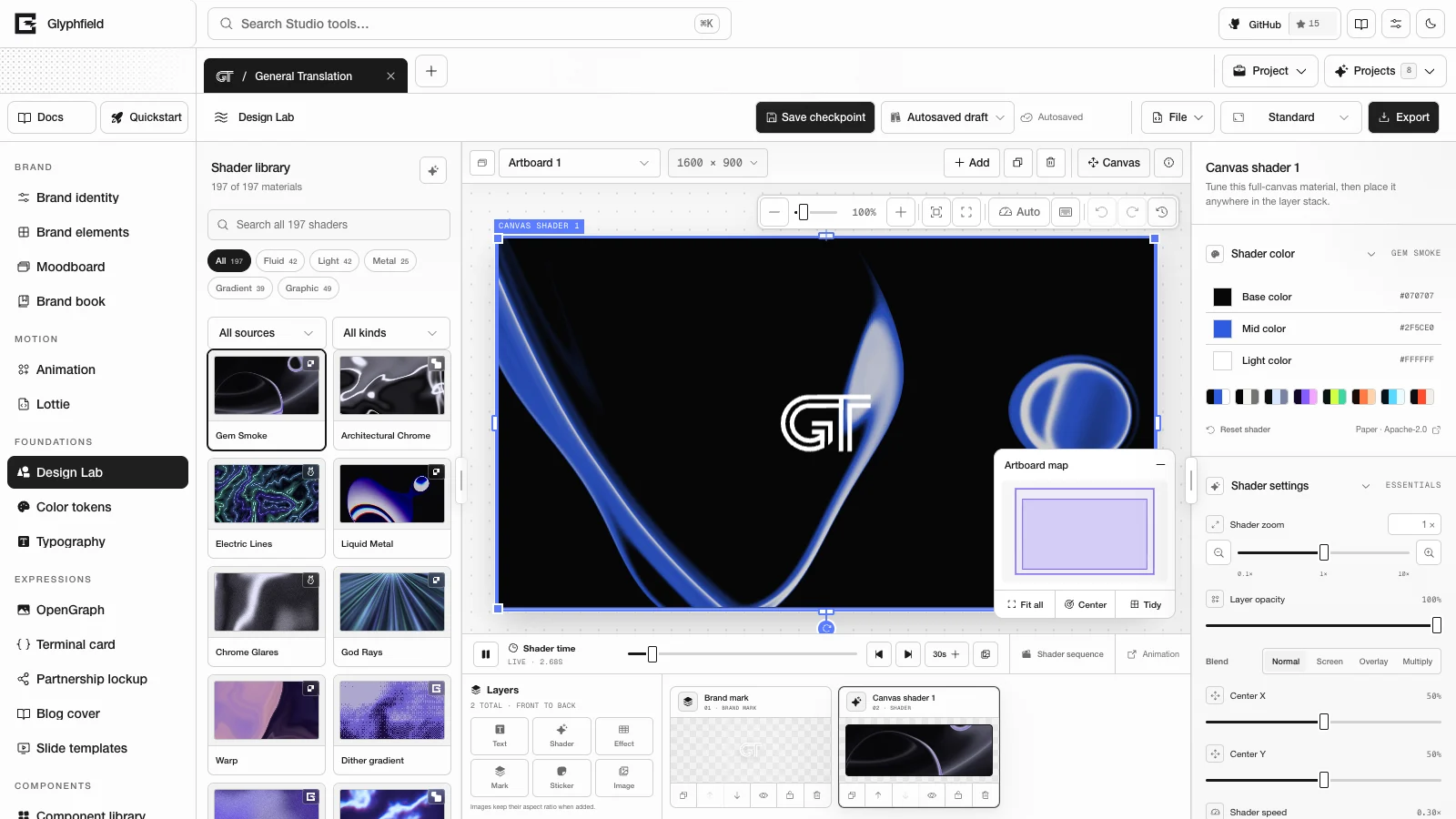
Glyphfield is an open-source brand design studio that stores its work in the browser. A complete contribution changes the user-facing behavior and every public contract that describes it. Preview, source, persistence, Browser API automation, documentation and export must all read the same state after the change.
Development setup
git clone https://github.com/Kevin-Liu-01/Glyphfield.git
cd Glyphfield
corepack enable
pnpm install --frozen-lockfile
pnpm dev
The repository pins pnpm 11 in packageManager, and Corepack installs that version. The development server runs at http://localhost:3012.
Run the checks that match the scope of a change before you open it:
pnpm typecheck
pnpm test
pnpm lint
pnpm build
pnpm typecheck also regenerates the Fumadocs index, so a documentation-only change still needs it and the focused documentation tests. Inspect a visual change in a real browser at desktop and mobile widths.
Architecture map
| Area | Primary owner |
|---|---|
| Projects, tabs, active identity and tool | src/components/StudioApp.tsx |
| Public Studio tool catalog | src/lib/studioCatalog.ts |
| Tool-to-editor rendering | src/components/StudioToolWorkspace.tsx |
| Design Lab composition and export | src/components/ShaderLabStudio.tsx |
| Portable canvas scene graph | src/lib/canvasDocument.ts |
| Design Lab source adapter | src/lib/designLabDocument.ts |
| Shared persistent editor state | src/hooks/ and src/lib/savedDesigns.ts |
| Browser automation | src/lib/studioAutomation.ts and each tool adapter |
| Per-tool capability map | src/lib/studioAgentCapabilities.ts |
| Agent discovery and generation | src/lib/agentApi.ts, src/lib/agentCatalog.ts, src/lib/agentGeneration.ts |
| Human and machine docs | content/docs/**, public/llms.txt and the generated /llms-full.txt |
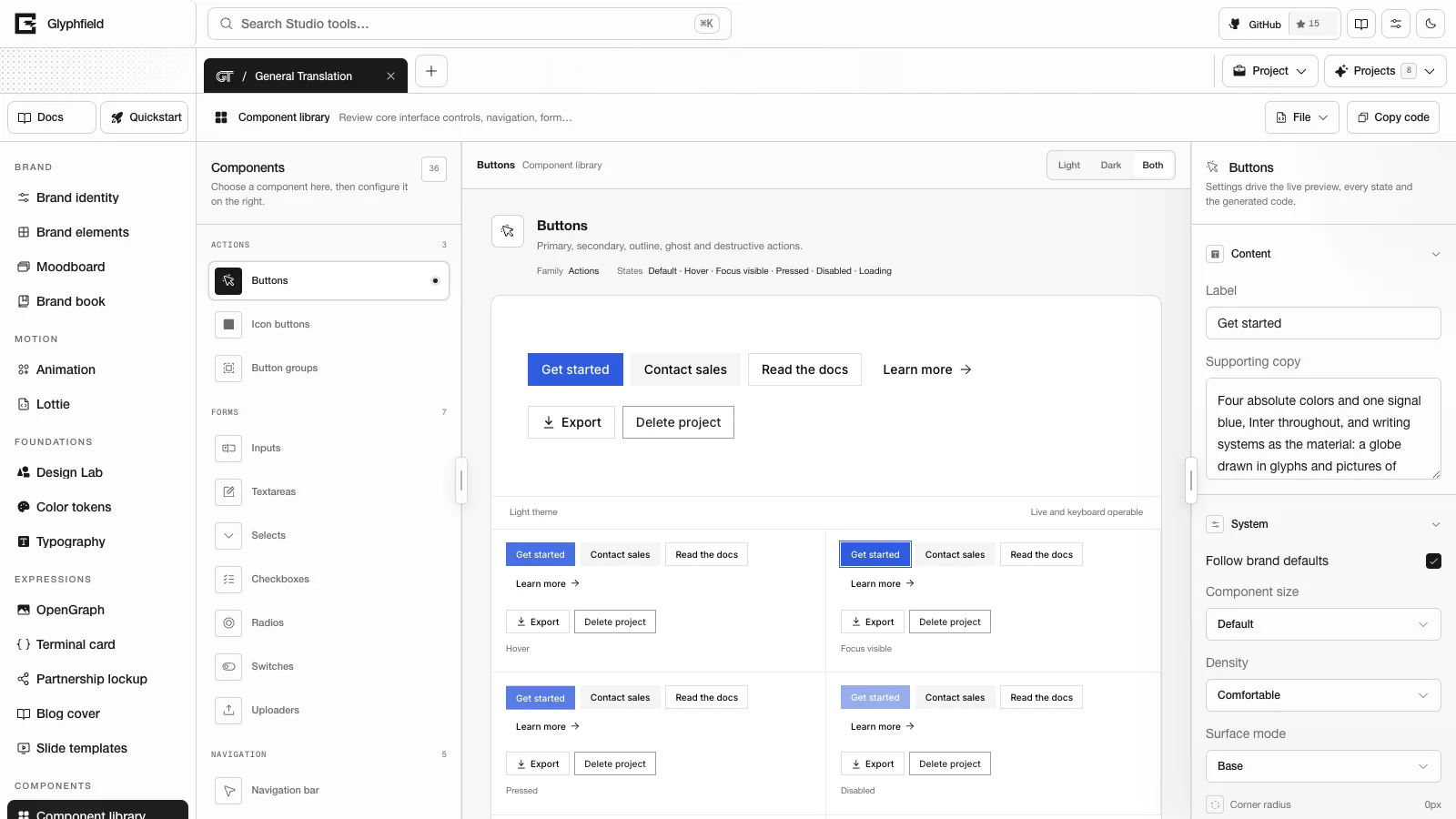
| Shared Studio controls | src/components/StudioControls.tsx, src/components/CanvasViewport.tsx and src/components/ui/ |
Read the repository's AGENTS.md, the root SKILL.md and the nearest directory SKILL.md before you change one of these owners.
Core invariants
- Preview, source, saved state and export use the same resolved configuration.
- Public tool IDs come from
STUDIO_TOOLS. Design Lab's public ID ismaterial. - Canvas layer order comes from
page.elementIds, and element and asset IDs stay stable. - Source changes go through the owning validator. Automation does not write to browser storage or component internals.
- Every editable color uses the shared color control and its normalization path.
- Every scrollable Studio region uses the shared Studio scrollbar treatment.
- Browser exports run one at a time and return a non-empty Blob with a matching file name and MIME type.
- A GIF's repeat setting and the visual closure of its loop are separate checks.
- An MP4 codec failure is reported to the user. The export does not switch to another format.
- Shader and tool counts come from the live catalogs (
/api/materialsand/api/labs). - A contribution keeps unrelated work in a checkout that already has uncommitted changes.
Add or change a Studio tool
Follow these steps in order:
- Catalog: add or update the public entry in
studioCatalog.ts. - Workspace: map the tool to its editor in
StudioToolWorkspace.tsx. - State: define one authoritative state model, its persistence keys and its initial state.
- Preview: render from that state with the shared canvas, color, select and layer systems.
- Source: serialize and validate every editable field.
- Browser API: expose accessible controls, source support and tool-specific actions.
- HTTP: update deterministic generation only when the feature works without a browser.
- Export: render from the same source and validate the returned bytes.
- Documentation: update the tool guide, the capability matrix, agent guidance, examples and the processed Markdown.
- Tests: cover catalog visibility, the source round trip, persistence, automation and output.
An agent-only renderer that approximates a browser visual is not accepted. Canvas, WebGL, local fonts and files, and browser codecs go through the Browser API.
Shared editor systems
Use a shared component before you write a new control:
| Component | Purpose |
|---|---|
ColorControl | HEX, OKLCH, native picker and opacity |
CanvasViewport | Fit, reset, zoom, pan and intrinsic output geometry |
EditableCanvasLayer | Selection, move, resize, snapping, keyboard nudge and an optional rotate handle |
SourceCodeDrawer | Validated source that matches the visual state |
StudioSelect | Accessible selection with one look across tools |
LogoAppearanceControls | Color inversion, die-cut outline, dither and shadow for logos and images |
usePortableCanvasWorkspace | Portable source with autosave |
window.glyphfield.studio adapters | Labels and actions that agents can see |
Read Shared editor components before you add a new primitive.
Source schema changes
A schema change needs an explicit compatibility decision:
- Update the types and the serializer.
- Validate the new field, and reject a malformed value without a partial change.
- Add a migration when older saved documents must keep loading.
- Keep stable IDs, ordering, asset records and unknown metadata.
- Update Browser API descriptions and source examples.
- Update HTTP request and response schemas when they are affected.
- Add tests for the current round trip, migration from an old version, and a future or invalid version.
- Update Version compatibility.
Removing a version field is not a supported way to open a document from a newer version.
Export changes
Test the finished file:
| Output | Minimum proof |
|---|---|
| SVG | Non-empty UTF-8 SVG, declared dimensions, correct MIME type and file name |
| PNG, JPG | Non-empty decoded image, exact dimensions, expected alpha or background |
| GIF | Several changing frames, expected duration and frame rate, protected colors, a checked loop seam |
| MP4 | Playable video, expected dimensions and duration, the browser codec result, the audio track when one is required |
| Every page, print geometry, legible text and working links | |
| JSON, Lottie | The parser accepts it, the source applies again, and the visible result matches |
Use small fixtures for focused tests, then check a realistic composition by eye. A resolved Promise alone does not prove that an export succeeded.
Documentation changes
Update the documentation in the same change as the behavior:
- Add each new page to the nearest
meta.jsonnavigation list. - Give the page a specific
titleand a one-sentencedescriptionof 120 to 160 characters. The description is the page's meta description and its entry in the generated text corpus. - State the owner, input, output, limits, persistence and how to confirm that the task finished.
- Use current product names and link to exact reference pages.
- Add a current screenshot when the visual structure matters.
- Point to the live discovery endpoints instead of writing catalog counts, except where a test pins the count to its catalog.
- Confirm that the processed
.mdroute and/llms-full.txtcontain the new guidance. - Update
public/llms.txtonly for short, high-value agent routing.
Use the existing MDX components (DocsPathGrid, DocsFeatureGrid, DocsSystemGrid, DocsMedia and DocsMediaGrid) for cards, grids and media.
Tests and review
Start with the narrowest test that covers the change, then widen:
pnpm vitest run src/lib/__tests__/documentationCatalog.test.ts src/lib/__tests__/documentationCoverage.test.ts
pnpm typecheck
pnpm test
pnpm lint
pnpm build
The documentation tests check catalog counts in prose, links between pages, braces outside code, endpoint coverage and the names of Browser API actions.
Review UI work in these states:
- Desktop and mobile layout.
- Light and dark themes.
- Keyboard-only operation with visible focus.
- Reduce motion on, where animation is automatic.
- Empty, loading, error, restored and long-content states.
- Source apply, source reset and a browser reload.
- One exported artifact opened in its target application.
Security and privacy
- Keep remote URL fetching off unless a separately reviewed feature requires it.
- Bound request bodies, image geometry and generated work.
- Do not commit secrets, local browser data or proprietary user assets.
- Keep generation stateless unless a persistence feature defines who owns the data and how it is deleted.
- Verify the production firewall separately, as deployment infrastructure.
- Keep third-party license and attribution notices intact.
See API security and Storage and privacy.
Pull request description
A pull request description states:
- The user-facing behavior that changed.
- The state or source owner and the compatibility decision.
- Parity with the HTTP API and the Browser API.
- Effects on persistence and export.
- The tests run and the visual states inspected.
- Any unsupported browser or migration limit.
- Documentation and attribution updates.
See Capability matrix, Accessibility and Self-hosting.