 Glyphfield
Artifacts overview
Choose the right Glyphfield output format, produce it over HTTP or in the browser, verify the file, and keep the editable source beside it.
An artifact is a file that Glyphfield renders from a brand identity and an exact configuration, such as a PNG, an MP4 or an SVG. Keep the editable source next to the rendered file whenever the work may later need another size, language, shader frame or motion format.
Output formats
| Output | Produced by | Use it for |
|---|---|---|
| SVG | HTTP templates and backgrounds, the expression tools, Moodboard | Deterministic vector files for source control and later rasterizing |
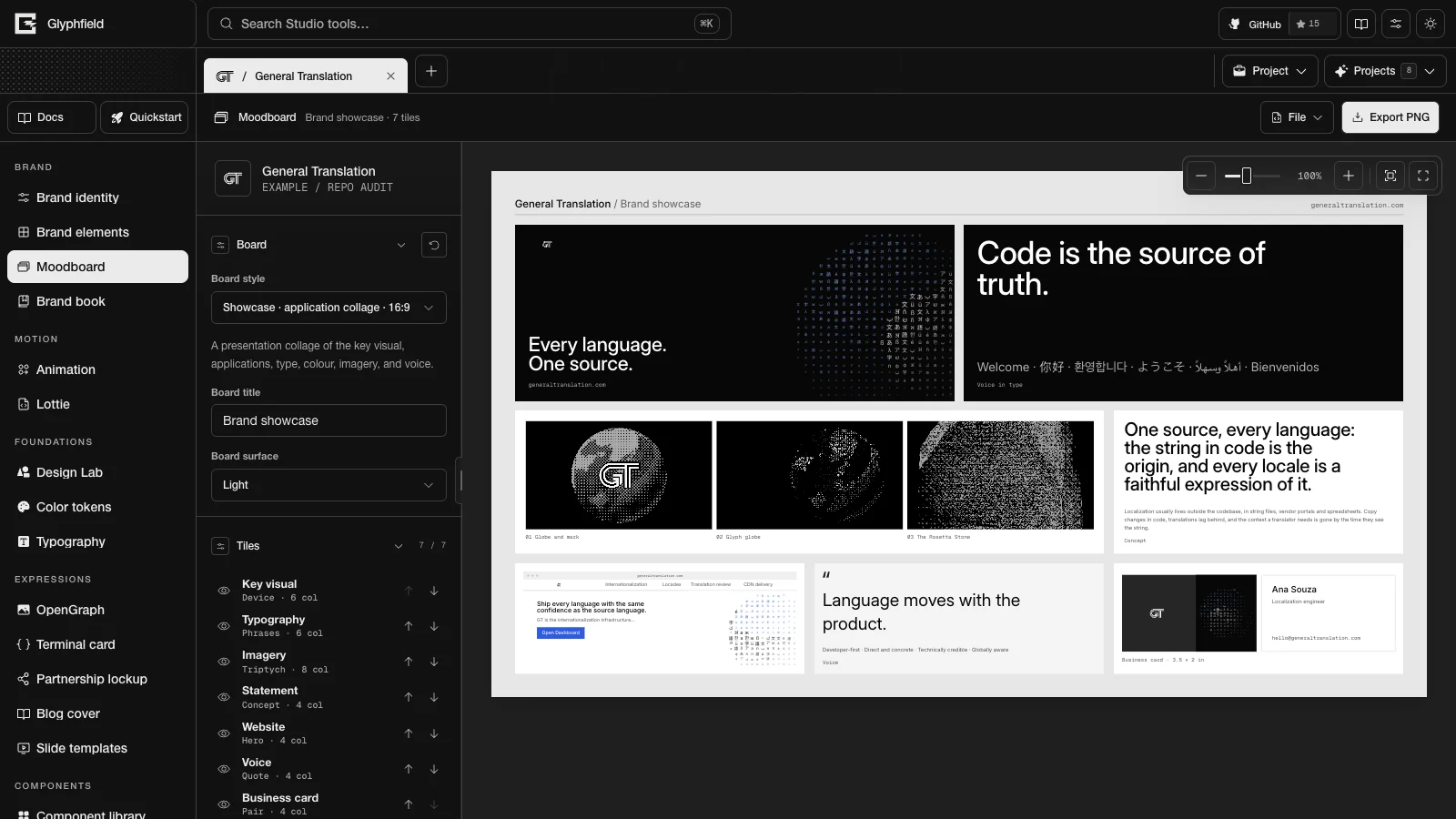
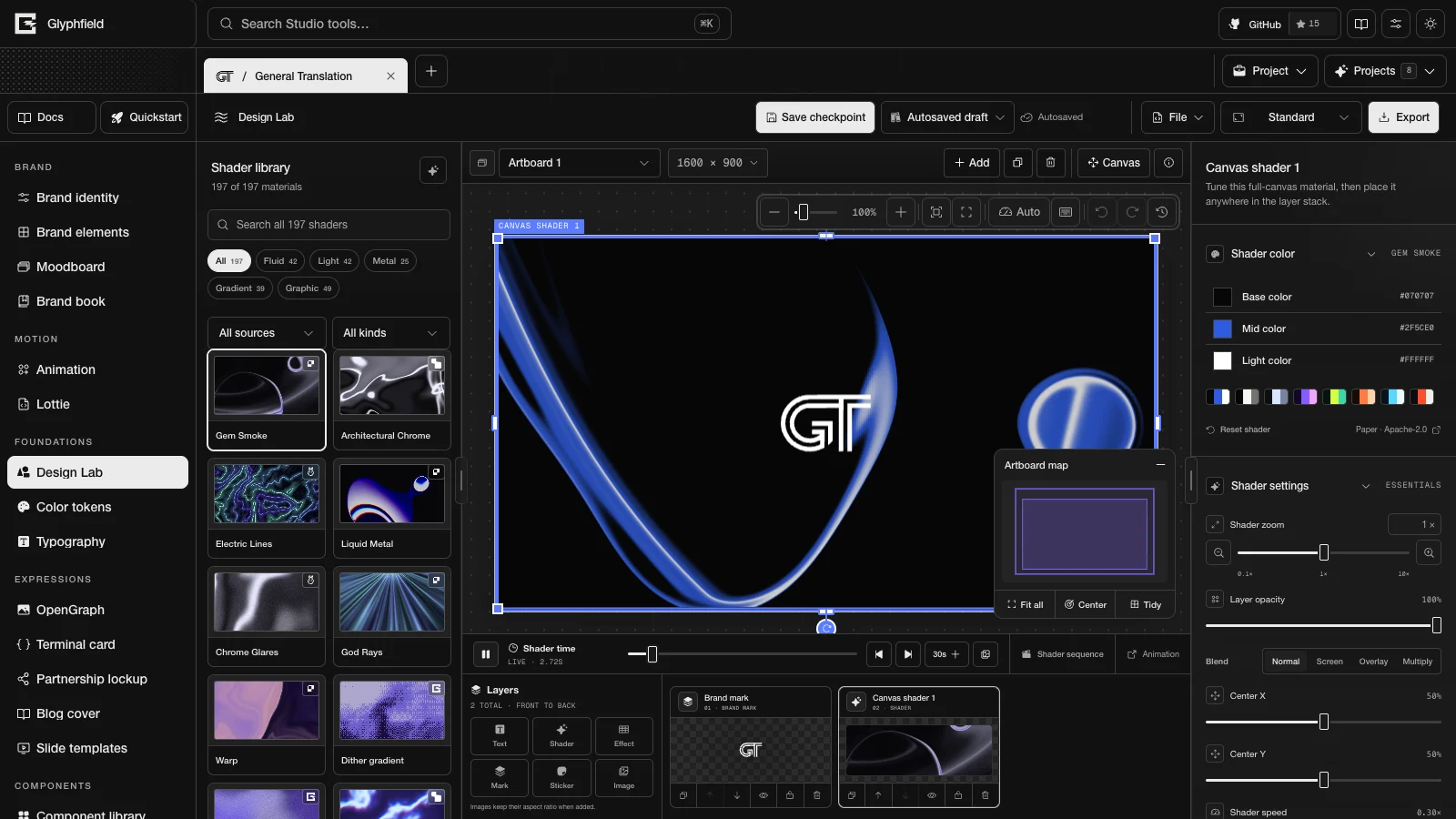
| PNG | Design Lab, Moodboard, Brand elements, the expression tools, Lottie frames, Animation posters | Lossless stills with transparency |
| JPG | Design Lab | Smaller opaque stills |
| GIF | Design Lab, Animation, Lottie | Short motion for email, docs and other places that need GIF |
| MP4 | Design Lab, Animation, Lottie | Longer or higher-fidelity motion. Animation can include mixed audio |
| Brand book (print dialog), Slide templates | A snapshot of the brand standards, or a slide deck | |
| HTML | Brand elements email elements | Email layouts with inlined styles |
| JSON | Brand identities, element briefs, project files, tool source, Lottie | Editing, automation, handoff and regeneration |
.lottie | Lottie | The original compact animation archive |
| ZIP, CSS, Tailwind, DTCG, Markdown | Brand kit, Color tokens, Typography | Design tokens and brand guidance for code |
The expression tools are OpenGraph, Terminal card, Partnership lockup, Blog cover and Slide templates. Capability matrix lists the exports of every tool.
Ways to produce an artifact
HTTP
Use POST /api/generate for repeatable SVG, structured element briefs and apply-ready Design Lab sequence source. The route validates each request against the contract from GET /api/generate and does not change any browser project.
Browser
Use the Studio, or the Browser API (window.glyphfield.studio), when the output depends on Canvas, WebGL, WebGPU, local files, local fonts, visual placement, Lottie, frame capture or browser codecs. Browser API exports use the same renderer as the visible Studio.
Both
Generate a Design Lab document over HTTP, apply it in the browser, inspect it, then export PNG, JPG, GIF or MP4. HTTP authors the document and the browser renders it, so there is only one renderer.
Checklist
For every artifact:
- Confirm the intended identity and source revision.
- Inspect the rendered composition when the request is visual.
- Confirm the dimensions, format, transparency or opacity, and file name.
- Require a non-empty response body or Blob.
- For motion, inspect several frames and the point where the loop restarts. For MP4 with audio, confirm the audio track.
- Keep the portable source or a named saved design when the work may need to be regenerated.
Formats and portability, Download and use artifacts and Backup and restore cover each step in detail.
Shared editor components
Reuse the shared shell, color, canvas, layer, source, select and storage components when you build or change a Studio tool in the Glyphfield codebase.
Download and use artifacts
Export files from the Studio or the HTTP API, check that each file is complete, and use SVG, image, motion, JSON and Lottie output in your own projects.