 Glyphfield
Brand skill
Use the $glyphfield-brand skill to set up or improve a brand identity from the brand's own sources, pass the health audit and export the brand kit.
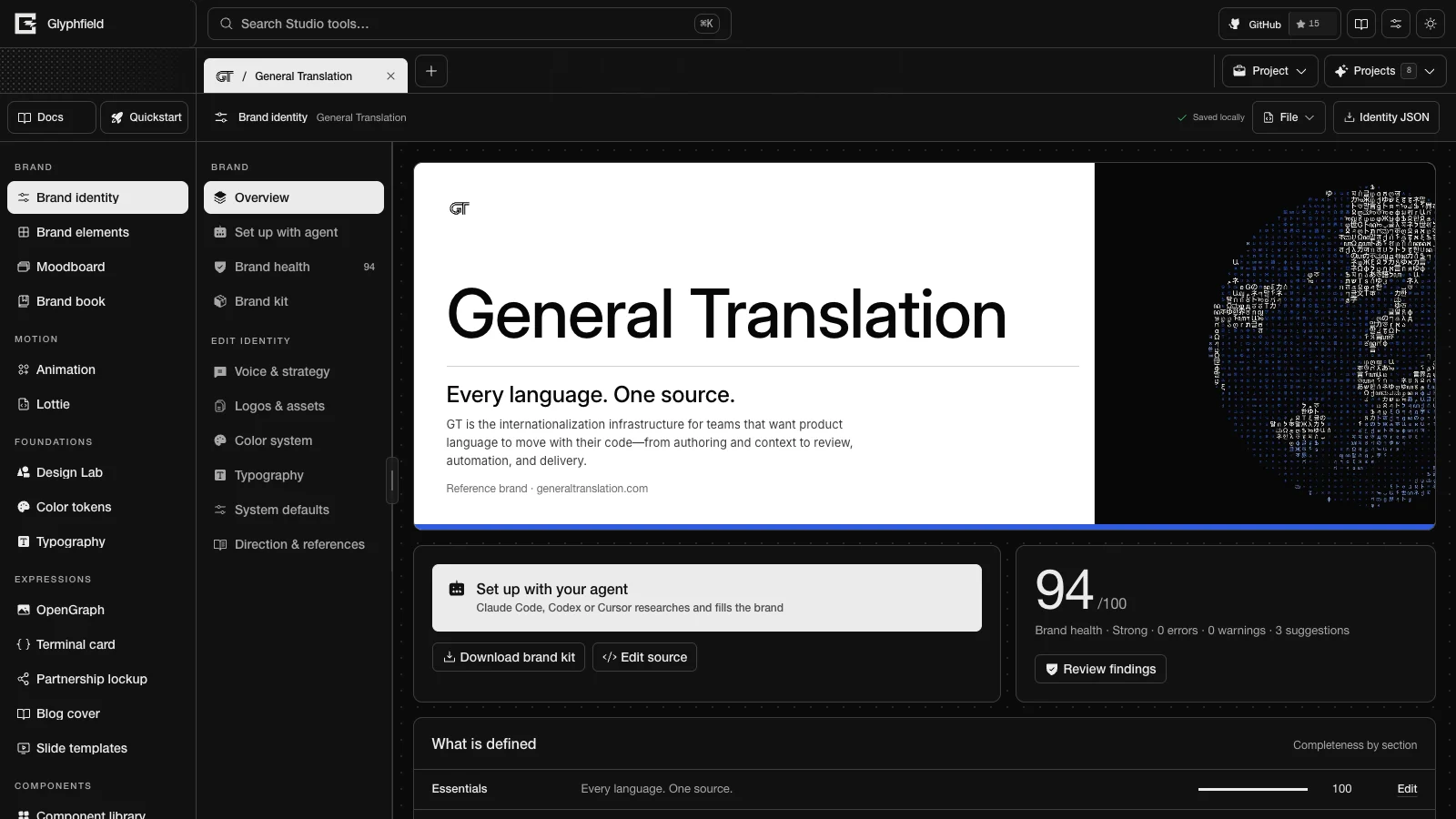
$glyphfield-brand sets up the Brand identity tool, which holds the shared identity that every Glyphfield tool reads. The skill researches the brand from the user's website, repository or design files. It applies a validated identity through the Studio Browser API (window.glyphfield.studio), adds logo and font files, runs the brand health audit until no errors remain, and exports the brand kit.
Example requests
- “Set up our brand in Glyphfield from acme.com and this repo.”
- “Fill the gaps the brand health audit found.”
- “Export brand.md and Tailwind tokens for this repository.”
Package
skills/glyphfield-brand/
├── SKILL.md
├── agents/openai.yaml
└── references/
    ├── browser-actions.md
    └── identity-fields.md
Procedure
- Open the project at
/studio?tool=identity&project=<id>. For a new brand,identity.project.create { from, name }creates and opens a project, withfromset to'starter'or'scratch'. Readwindow.glyphfield.studioagain afterwards.identity.setup.prompt { mode }returns the same prompt as Set up with agent. - Research the authorized sources and record each one in
sourceNotes. - Draft a merge patch and check it with
identity.validate. In the browser, patch validation merges the patch into the active identity, so it reports the same errors asidentity.applywhen noreplaceorremoveoption is used. - Apply the patch with
identity.apply. - Add logos with
identity.asset.add { file, slot }and fonts withidentity.font.add { file, roles, license }. - Run
identity.audit. Applyidentity.fixor follow each finding'sagentPrompt. - Call
identity.save, thenidentity.export.kit, and check the returned Blob.
The skill uses only facts from authorized sources. It changes the identity only through window.glyphfield.studio.invoke and does not write browser storage. Files enter the Studio as File objects, and filesystem paths or remote URLs are not accepted. Combine the skill with $glyphfield-studio for other tools and $glyphfield-export for files made from the brand. Brand setup with an agent describes the full workflow.
Export skill
Use the $glyphfield-export skill to produce stills, motion, documents, JSON and Lottie files from the right renderer and check each file before saving it.
Reference overview
Find the exact routes, Browser API actions, source formats, versions, shortcuts, browser requirements and licenses that Glyphfield documents.