 Glyphfield
Skills overview
Install the five Glyphfield Agent Skills and pick the one that fits a task, from Design Lab composition and HTTP generation to export checks and brand setup.
Glyphfield ships five Agent Skills in the repository's skills/ directory. An Agent Skill is a folder of instructions that a coding agent loads only when a matching task comes up. Each Glyphfield skill covers one part of the agent contract.
Included skills
| Skill | Use it for | Scope |
|---|---|---|
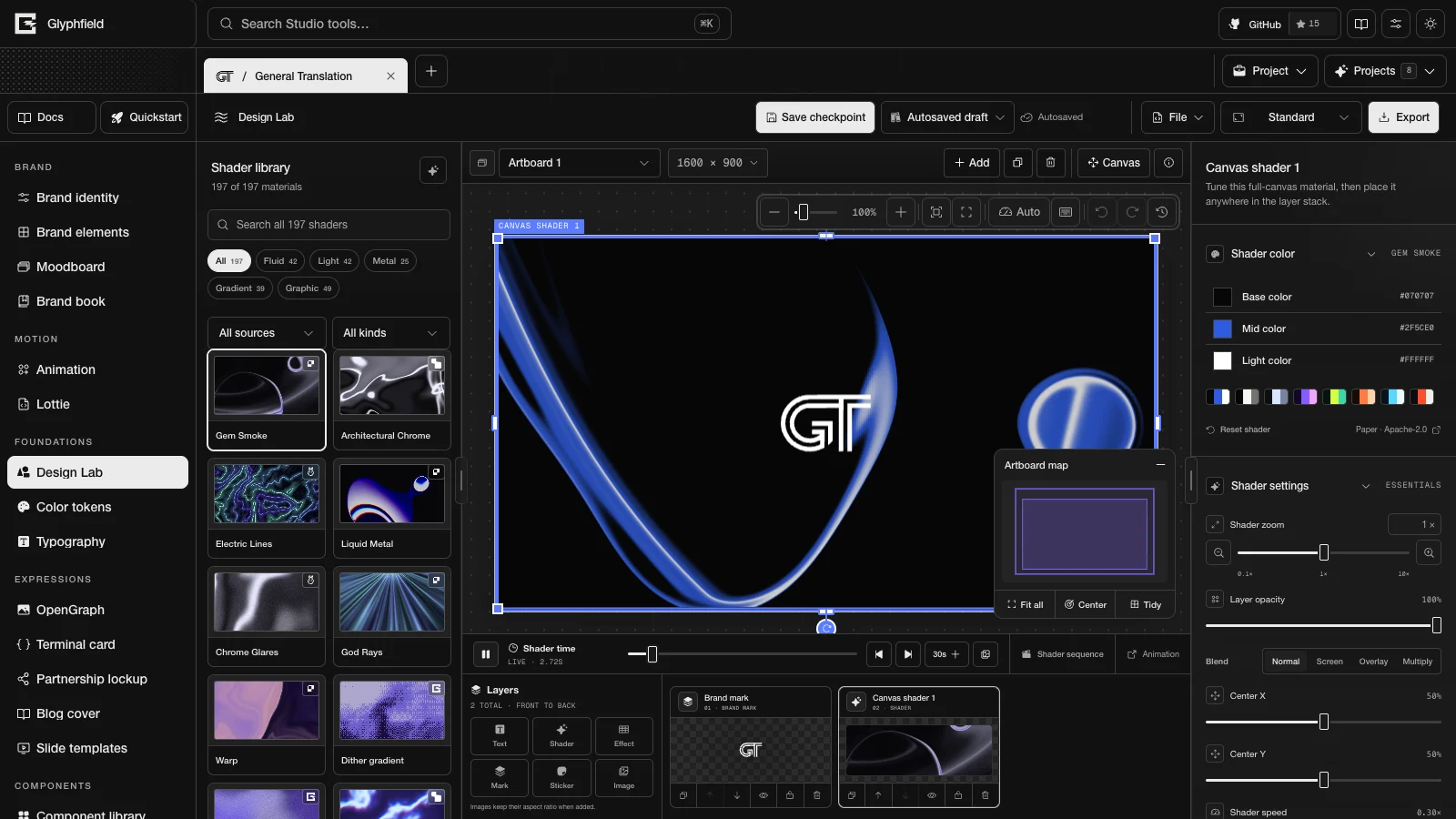
$glyphfield-create | Layered Design Lab compositions, saved designs, shaders, text, effects, marks, images and stickers | Creates or revises editable composition state |
$glyphfield-api | Catalog discovery, SVG and JSON generation, batches and Design Lab sequence documents | Uses the versioned HTTP contract without an open project |
$glyphfield-studio | Live browser projects, accessible controls, exact source edits, local files, Canvas, WebGL and Lottie | Operates window.glyphfield.studio and the browser renderer |
$glyphfield-export | SVG, PNG, JPG, GIF, MP4, PDF, JSON and .lottie files, loop and audio checks, and export problems | Checks the actual file instead of the action result |
$glyphfield-brand | Setting up or improving a brand identity from its own sources, the health audit and the brand kit | Applies validated identity source and files through the Brand identity Browser API |
Install
Each folder is self-contained. SKILL.md is the entry point, agents/openai.yaml holds client metadata, and references/ holds detail that the skill loads when a task needs it.
For Codex, copy or link the packages you want into $CODEX_HOME/skills, or into ~/.codex/skills when CODEX_HOME is unset. Other clients that support Agent Skills install the same folders through their own local-skill mechanism.
Contributors working in the repository do not need a second copy, because the root AGENTS.md routes work to the checked-in packages. An installed copy makes automatic discovery and explicit $skill-name calls work outside this checkout.
skills/
├── glyphfield-create/
│   ├── SKILL.md
│   ├── agents/openai.yaml
│   └── references/design-lab.md
├── glyphfield-api/
├── glyphfield-studio/
├── glyphfield-export/
└── glyphfield-brand/
Skill selection
Use the skill whose description matches the immediate outcome:
- “Build a poster with two text layers and Gem Smoke” →
$glyphfield-create. - “Generate 40 slide SVGs from JSON” →
$glyphfield-api. - “Update the open General Translation project without losing its layers” →
$glyphfield-studio. - “Download a seamless GIF and confirm the text does not flash” →
$glyphfield-export. - “Set up our brand from acme.com and this repository” →
$glyphfield-brand.
Do not load every skill by default. Add another skill only when the workflow reaches its scope.
Skill combinations
The skills hand work to one another and keep separate responsibilities.
| Outcome | Sequence |
|---|---|
| SVG batch | $glyphfield-api → check each returned SVG |
| Revision of an existing Design Lab design | $glyphfield-create → $glyphfield-studio for inspection in the browser |
| Shader video from a generated document | $glyphfield-api → $glyphfield-studio → $glyphfield-export |
| Export of an existing animation | $glyphfield-studio → $glyphfield-export |
| New brand and its first social images | $glyphfield-brand → $glyphfield-export |
Catalog IDs, enum values, accessible labels and tool counts come from the running Glyphfield instance.
Agents keep unknown fields, stable IDs, assets, pages, layer order and the current schema versions.
Canvas, WebGL, local files, fonts and codecs stay on the Studio's browser renderer.
Agents read the source again, inspect the visuals, and check bytes, MIME type, dimensions, frames, loops and audio.
Continue with Choose an agent interface, Agent recipes or the Studio Browser API.
API errors and limits
Read the structured errors from the generation and brand APIs, stay within the request limits, and handle Browser API exceptions without unsafe retries.
Create skill
Use the $glyphfield-create skill to build and revise layered Design Lab compositions while keeping their source, layer IDs and layer order intact.