 Glyphfield
Studio skill
Use the $glyphfield-studio skill to operate an open Glyphfield Studio in the browser through accessible controls and exact source round trips.
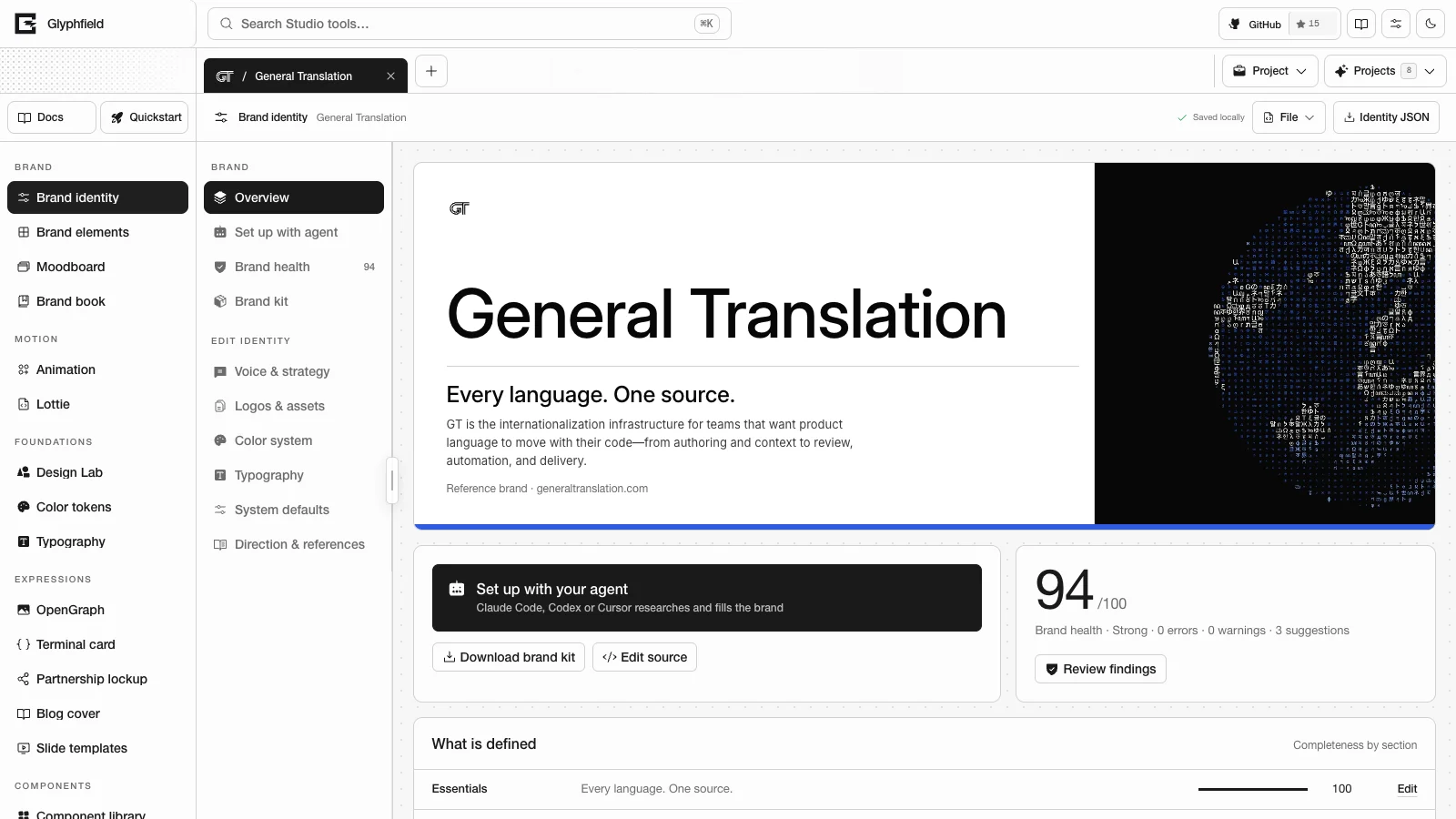
$glyphfield-studio covers the live Studio workspace and its browser renderer. Use it when the work depends on an open project, Canvas, WebGL, local fonts or files, Lottie, visual placement or project state saved in the browser. The skill works through the Studio Browser API, window.glyphfield.studio.
Connection
- Open
/studio?tool=<tool id>on the authorized origin. - Wait for
window.glyphfield.studioor theglyphfield:studio-api-readyevent. - Call
describe()andcontrols()before using labels or tool-specific actions. - Read the global again after switching tools, because each tool installs its own adapter. The API cannot click the Studio sidebar, so switch tools by loading a new
/studio?tool=URL.
const studio = window.glyphfield.studio;
const contract = studio.describe();
const controls = studio.controls();
Operations
| Method | Use |
|---|---|
activate(label) | Buttons and other activatable controls |
set(label, value) | Text, number, select, checkbox, contenteditable and file controls |
readSource() | The active tool's complete editable source |
applySource(source) | Validated document changes that keep the rest of the source |
invoke(action, input) | Exports, sequences and other tool actions |
download(artifact) | Saving an artifact you have already checked |
Accessible labels are part of the programmatic contract. Read them from controls(). Labels are scoped to the active workspace, so a label from another tool or project does not match.
Source round trip
const descriptor = studio.describe();
if (!descriptor.source.read || !descriptor.source.apply) {
  throw new Error('The active tool does not expose editable source.');
}

const source = JSON.parse(studio.readSource());
// Change only the fields the task needs and keep everything else.
await studio.applySource(source);
const normalized = JSON.parse(studio.readSource());
Keep unknown fields, schema versions, IDs, assets, pages and order. applySource() resolves after the React commit. Image decoding, font loading, WebGL rendering and encoding can still be running at that point.
Design Lab's public tool ID is material. logo-shader is an internal compatibility scope, and external automation should not use it.
For output, continue with $glyphfield-export and check the returned Blob before saving it.
API skill
Use the $glyphfield-api skill to read Glyphfield's live catalogs and generate SVGs, element briefs and Design Lab documents over HTTP without a browser.
Export skill
Use the $glyphfield-export skill to produce stills, motion, documents, JSON and Lottie files from the right renderer and check each file before saving it.