 Glyphfield
Agent integration
Connect a language model or coding agent to Glyphfield through the discovery routes, the generation API, the Studio Browser API and the Markdown docs.
Glyphfield is an open-source brand design studio. It gives coding agents and language models three interfaces. The HTTP routes describe the product and generate files. The Studio Browser API (window.glyphfield.studio) operates the open Studio in a browser. The documentation is available as Markdown. An agent can read the whole product contract from these interfaces without parsing the application's JavaScript.
Discovery routes
| Route | Returns |
|---|---|
/llms.txt | A short guide for language models that routes each task to an interface |
/llms-full.txt | Every documentation page in one text file, built from the current MDX |
/docs/<path>.md or /api/docs/<path> | One documentation page as processed Markdown |
/api/agent | The versioned agent manifest with policies, resources, the generation contract and the Browser API contract |
/openapi.json | The OpenAPI 3.1 document for the HTTP routes |
/api/catalog | Studio tools, resource URLs, and summaries of the shader and tactile surface libraries |
/api/labs | Every Studio tool with its capabilities and agent access |
/api/materials | Every shader material and image effect with attribution, palettes, look presets and controls |
/api/identities | The nine built-in brand identities |
/api/elements | The brand element templates with their IDs, sizes and formats |
/api/generate | The generation contract (GET) and the generation endpoint (POST) |
/api/brand/validate | The BrandIdentity JSON Schema (GET) and stateless identity validation (POST). See Brand setup with an agent |
/api/brand/kit | Brand kit token files and brand.md rendered from an identity (POST) |
/api/search?query=<text> | Ranked documentation search results |
/studio | The browser workspace that registers the Browser API |
skills/ in the repository | Five installable Agent Skills for composition, HTTP generation, Studio operation, export and brand setup |
Interfaces
HTTP generation
POST /api/generate returns template SVGs, background SVGs, element briefs and apply-ready Design Lab documents. The same request always returns the same result, and no browser is involved. See Generation API.
Studio Browser API
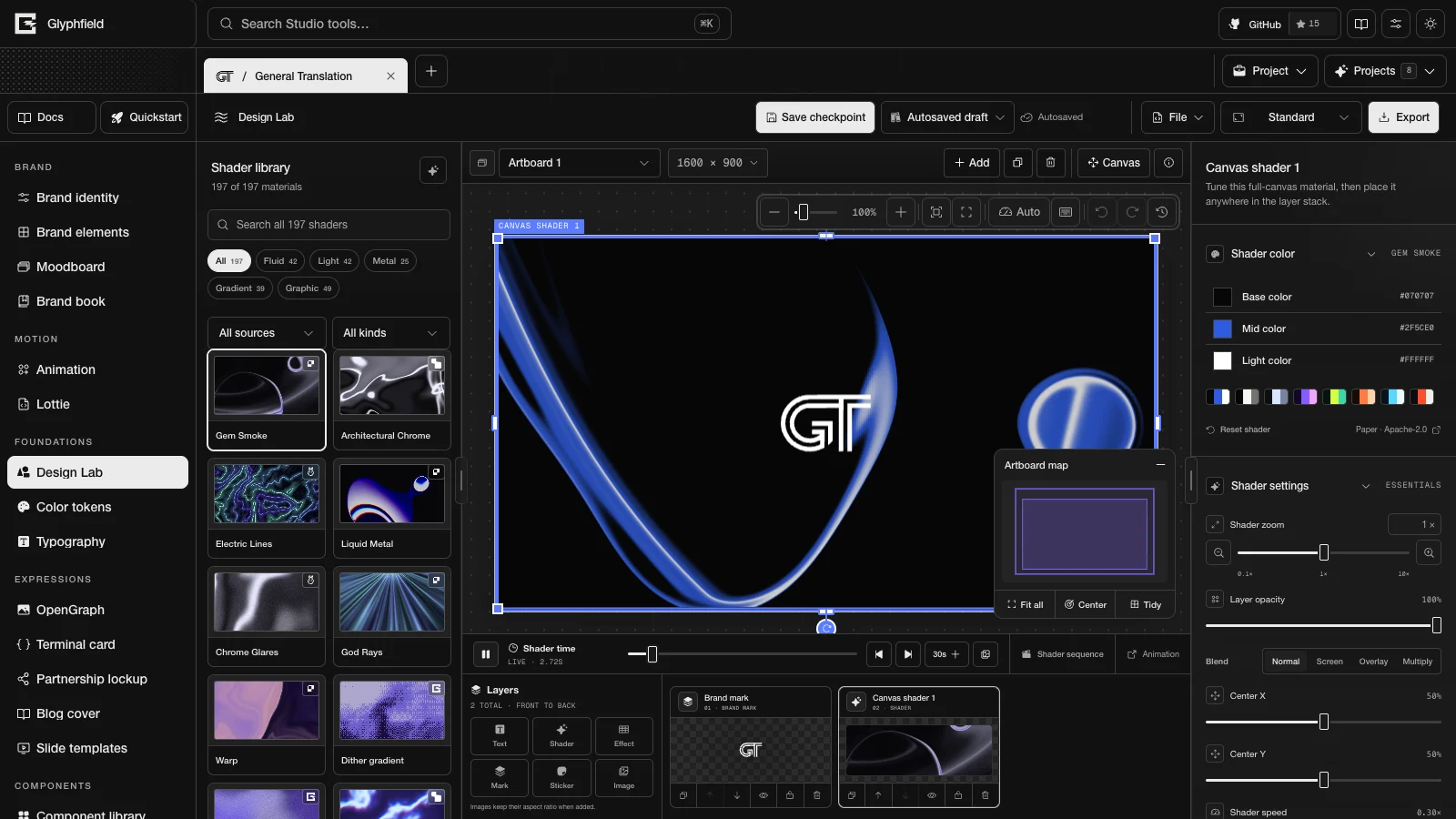
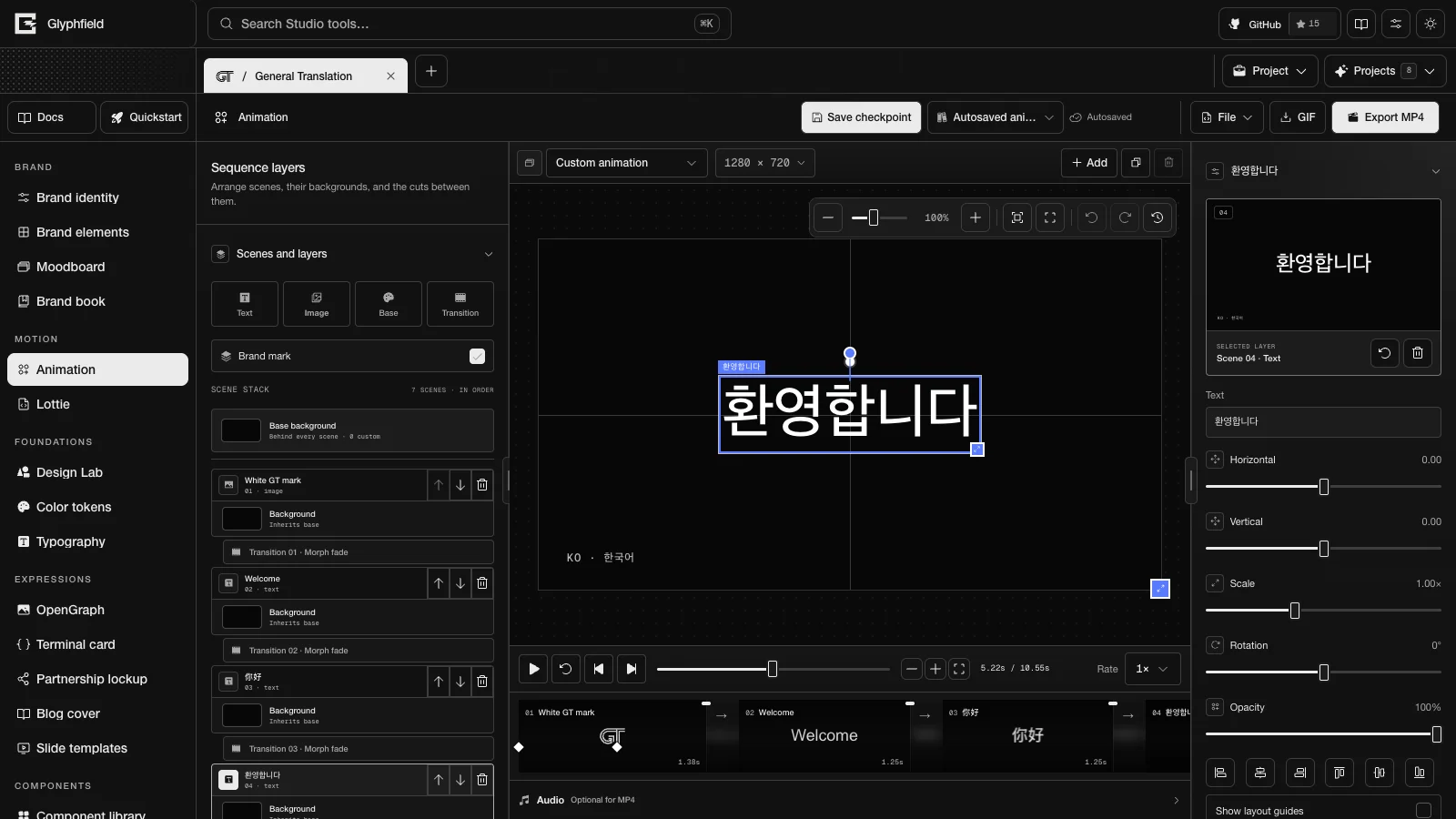
Open /studio in a browser the agent controls when the result needs Canvas, WebGL or WebGPU rendering, local fonts or images, visual placement, PNG or JPG rasters, GIF or MP4 encoding, or Lottie. The Browser API reads and applies the active tool's source. It lists and operates the controls in the active tool's workspace, and it exports the same files as the UI. See Browser-agent workflow.
Markdown documentation
Read /llms.txt to route a task. Load /llms-full.txt for the complete product model, or one page as Markdown when the task needs only one topic. These routes and the human documentation come from the same MDX source.
Use the smallest interface that can produce the requested artifact. The interfaces also combine: an HTTP design-sequence document is rendered and exported through the Browser API.
Agent workflow
- Read the live contract and catalog IDs.
- Read the current source before changing an open artifact.
- Keep unknown fields and apply the smallest change through the tool's validator.
- Read the state again after applying it.
- Inspect the rendered output when appearance matters.
- Check the saved file or the returned Blob. A successful request or click does not prove that the file exists.
Authentication
The public agent routes do not require authentication. Do not send an Authorization header. Read /api/agent and GET /api/generate at the start of each task, because schemas can change between releases.
Install the Glyphfield Skills, then continue with Choose an agent interface, Connect an agent and Agent recipes.
Storage and privacy
See where Glyphfield keeps projects, saves and local files in your browser, what the HTTP API does with request data, and which license terms apply.
Choose an agent interface
Decide whether an agent task belongs to the HTTP generation API, the Studio Browser API or the Markdown docs, with worked examples for common requests.