 Glyphfield
Identities and custom assets
Choose a built-in brand identity for a generation request, override its name, colors and logo, and embed local images as base64 data URLs.
Every POST /api/generate request accepts an identity object, the brand that the output uses. It takes one of three forms:
| Form | Example | Use |
|---|---|---|
| Built-in ID | { "id": "gt" } | A built-in identity exactly as shipped. Send id alone |
| Complete identity | The full object from /api/identities or identity.read, with id, colors and typography | A custom or edited identity |
| Preset with overrides | { "preset": "gt", "name": "…", "ink": "#…" } | A preset with a few changed fields |
An unknown built-in ID returns unknown_identity. An invalid complete identity, or an id sent with other fields, returns invalid_identity.
Presets
starteris the default: the complete neutral Starter identity, which is original Glyphfield work.basement,gt,ramp,mintlify,tailwind,viteplus,cloudflareandstripeload the reference identities with their bundled logo files.customstarts from Starter's colors and type without its logo. WithoutlogoDataUrl, the output shows a monogram made fromshortName.templateis still accepted for older requests. It has no built-in record and behaves likecustom.
GET /api/identities returns { agentPresetField: "identity.preset", identities, localIdentityPersistence: "browser-localStorage", schemaVersion: 2 }. identities holds the nine built-in BrandIdentity records with their foundations, strategy, graphic system rules, applications, proof references and local asset IDs. Read the list at runtime instead of copying it into a client.
Identity fields
| Field | Limit |
|---|---|
name | 80 characters |
shortName | 8 characters |
website | 200 characters |
tagline | 180 characters |
positioning | 320 characters |
description | 320 characters |
ink, paper | Six-digit HEX colors for text and background |
logoDataUrl | A base64 image data URL of up to 5,000,000 characters |
Text fields must contain at least one character after trimming. A field you send replaces the preset's value, and a field you leave out keeps it. A logo replaces the preset's mark and wordmark in every slot.
Convert a logo to a data URL
On macOS or Linux:
MIME=image/png
LOGO_DATA="data:$MIME;base64,$(base64 < logo.png | tr -d '\n')"
Build the request with jq so that the shell does not alter the data:
jq -n --arg logo "$LOGO_DATA" '{
  kind: "background",
  identity: {
    preset: "custom",
    name: "Acme",
    shortName: "AC",
    website: "acme.test",
    ink: "#111111",
    paper: "#FFFFFF",
    logoDataUrl: $logo
  },
  settings: {
    width: 1200,
    height: 630,
    style: "gradient",
    colorA: "#FFFFFF",
    colorB: "#D9FF63"
  },
  output: "raw"
}' > request.json
Image data URLs must be base64 PNG, JPEG, WebP, GIF or SVG. The API rejects remote URLs. Download an asset you are allowed to use, then convert it.
Background and partner images
template requests also accept backgroundImageDataUrl and partnerLogoDataUrl with the same format and limit. partnerId takes a proof asset ID of the selected identity from /api/identities, another built-in identity ID, or template-northstar.
The API embeds accepted images in the returned SVG, so the file does not depend on other URLs.
Reference sources and trademarks
The reference identities were built from each brand's published sources, captured in July 2026 and reviewed in October 2026:
- Basement Studio site
- Ramp press kit
- Mintlify documentation appearance guide and design practice
- Tailwind CSS brand assets
- Vite+ product site
- Cloudflare press kit and logo guidance
- Stripe newsroom and logo kit
These identities are included for design study and interoperability. Brand names, marks and source assets belong to their owners. Glyphfield's MIT license covers the software and the original templates. It grants no trademark rights and implies no endorsement.
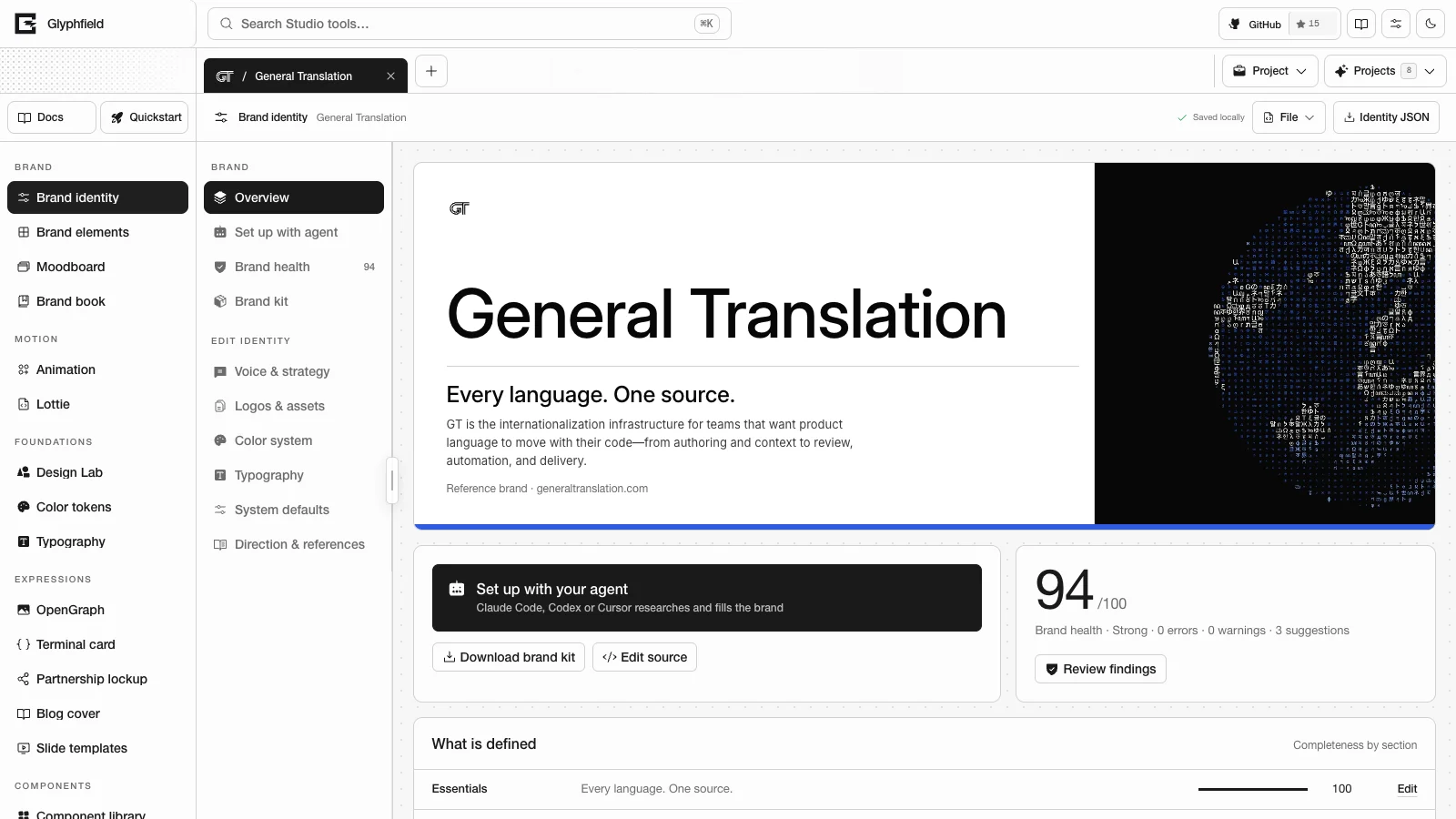
The General Translation (GT) identity follows GT's own brand canon. Its marks and brand-system artwork are © General Translation, Inc. They are included with permission for that identity and are not covered by the MIT license. This artwork includes the glyph globes, the glyph and horizon fields, the speed marks, the signal gem smoke and the product still.
The GT identity also carries ten artifact pictures. They are GT's dithered screens of public-domain and CC BY-SA 4.0 originals. Each asset record carries its credit (attribution), license and sourceUrl, and Third-party notices lists all ten. Show the credit wherever you publish one of these pictures.
Reference identities also bundle the font files for their Display, Body, Accent and Code roles, so they render in their own typefaces instead of Glyphfield's interface font. Those files keep their original licenses, and Glyphfield's MIT license does not relicense them. public/fonts/brands/README.md lists the role map and the redistribution terms.
Agent recipes
Copy complete agent workflows for discovery, SVG generation, tactile backgrounds, Design Lab sequences, safe source edits, brand setup and checked exports.
Brand setup with an agent
Let Claude Code, Codex or Cursor research a brand from its own sources, fill the complete identity, pass the health audit and export the brand kit.