 Glyphfield
Browser support
Check which browser features the Glyphfield Studio needs for editing, saving, shaders, local files and exports, and what happens when one is missing.
Glyphfield checks for browser capabilities instead of browser names. The documentation and the deterministic HTTP API need only ordinary modern web features. The Studio needs the graphics, storage, file and codec features that the active tool uses.
Required capabilities
| Capability | Used for | Behavior when missing |
|---|---|---|
| JavaScript, ES modules, CSS grid and flexbox | Every page | The Studio does not work without JavaScript |
Canvas 2D and canvas.toBlob() | PNG and JPG export, GIF frames, most previews | The still or motion export reports that Canvas rendering or encoding is unavailable |
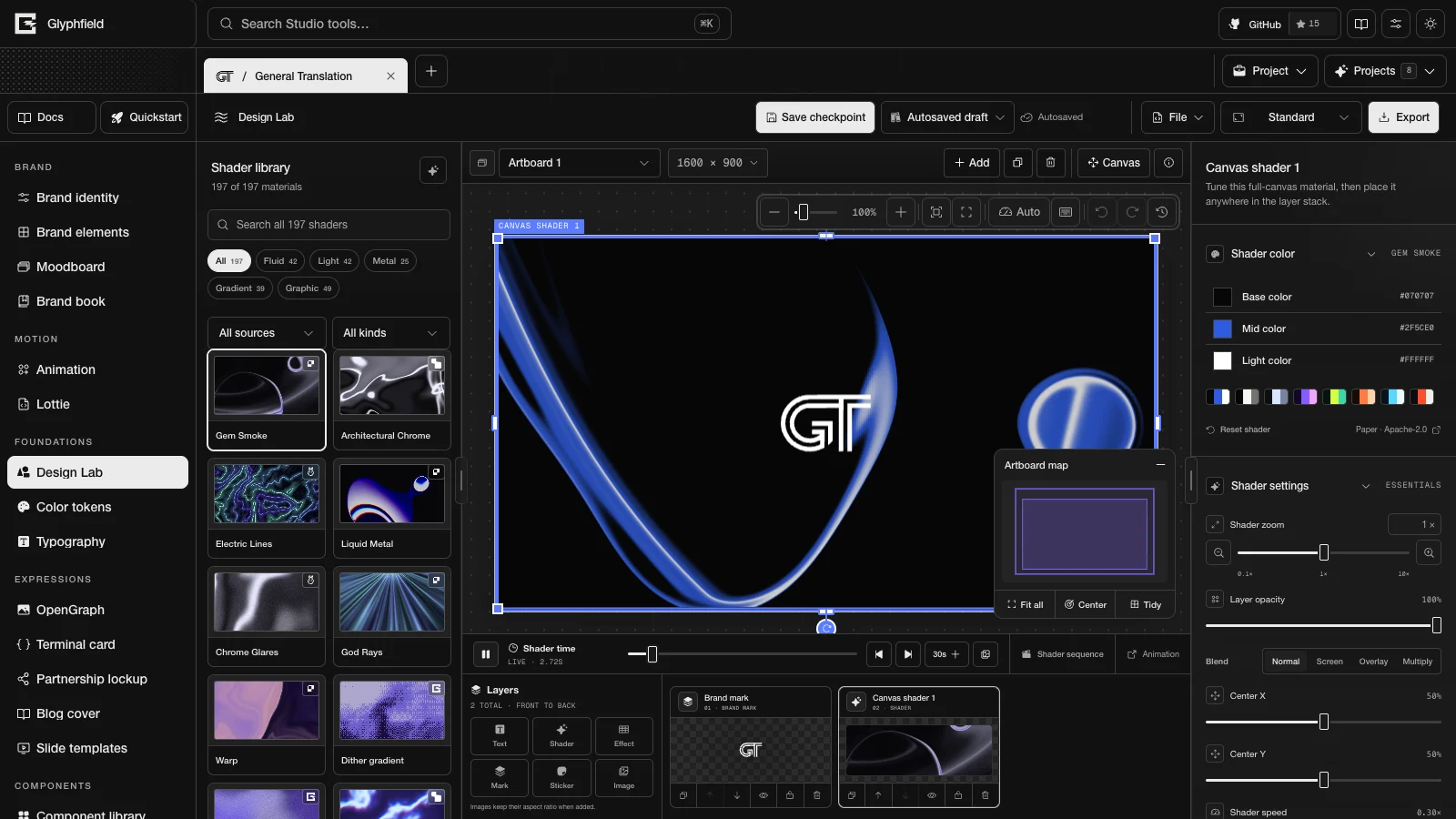
| WebGL2 | Paper Shaders, Glyphfield GLSL studies, Fluid Energy, ShaderGradient and the other WebGL materials | The canvas shows a grey placeholder labelled "Shader preview unavailable" and checks for WebGL2 again every 2.5 seconds. Software rendering counts as unavailable |
| WebGL (version 1 or 2) | Lottie playback and Lottie export, which use the dotLottie WebGL renderer | The Lottie frame cannot be read and the export fails |
| WebGPU | Shaders.com materials and every Design Lab image effect | A Shaders.com material shows its still preview with the note "WebGPU is unavailable here. Showing a still preview." An image Effect layer shows the layers beneath it unchanged. An export that includes either one stops with an error |
| Float render targets in WebGL2 | Fluid Energy | The material fails to start |
| IndexedDB | Named saves and complete autosaves in Design Lab, Animation, Lottie and the expression tools, converted assets, and captured shader frames | The save status reports a failure such as Autosave failed. Copy the current source before leaving the page |
localStorage | Projects, tabs, preferences, tool drafts and the autosave recovery journal | State may not survive a reload. Private or restricted contexts can block writes |
| File, Blob, object URLs and image decoding | Local images, logos, fonts, Lottie files, audio and downloads | The affected import or export fails with an error |
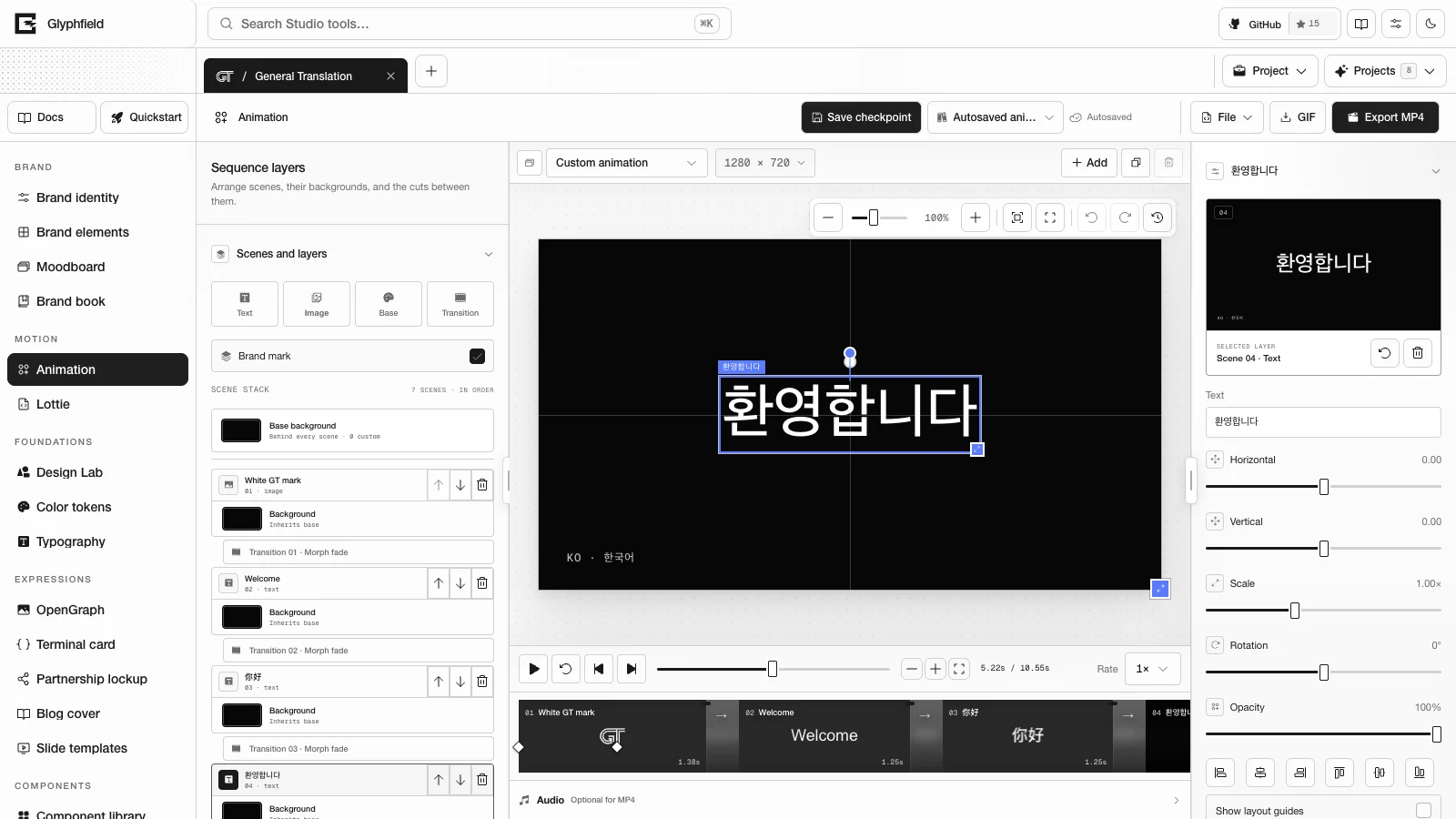
| WebCodecs video encoding (H.264 is tried first) | MP4 | The export fails with "This browser cannot encode an MP4 video." Glyphfield does not substitute GIF |
| Web Audio decoding and WebCodecs audio encoding | Animation audio and the MP4 audio track | When the timeline has audio and no audio codec is available, the MP4 export fails with "This browser cannot encode an MP4 audio track." |
| Printing | Brand book PDF | Pagination can vary with the print settings |
| Clipboard API | Copy tokens, Copy code, Copy prompt | The copy fails. The matching *.read Browser API actions return the same text |
| EyeDropper API on HTTPS or localhost | Pick screen color | The button is disabled and explains why |
DecompressionStream with Brotli | Reading variable axes from WOFF2 and WOFF files | The axes show as "Not readable in this browser". The fonts still render |
Recommended setup
Use a current desktop browser with hardware acceleration on, persistent storage, downloads allowed, and enough memory for the selected canvas size. Rendering motion needs much more memory and GPU time than reading the documentation or exporting a small still.
For production checks, test the browsers your audience uses instead of inferring support from a user-agent string. MP4 and WebGL support can differ across operating systems, GPU drivers, browser settings and managed-device policies.
Detect features at runtime
An integration can run a short check before it starts a large job:
// A canvas holds one context type, so each check uses its own canvas.
const canvas = () => document.createElement('canvas');

const support = {
  canvas2d: Boolean(canvas().getContext('2d')),
  webgl2: Boolean(canvas().getContext('webgl2', { failIfMajorPerformanceCaveat: true })),
  webgpu: 'gpu' in navigator && Boolean(await navigator.gpu.requestAdapter().catch(() => null)),
  webCodecs: 'VideoEncoder' in window,
  indexedDb: 'indexedDB' in window,
  localStorage: (() => {
    try {
      const key = 'glyphfield-capability-check';
      localStorage.setItem(key, '1');
      localStorage.removeItem(key);
      return true;
    } catch {
      return false;
    }
  })(),
};
This check is coarse. The reliable test for MP4 is starting the real encoder, and the reliable test for a material is rendering it in the Studio.
WebGL and WebGPU behavior
Shader Library cards are static WebP thumbnails, so browsing the library does not start any GPU renderer. A live material canvas renders only while it is within 160 px of the viewport, and it stops while the page is hidden. Every live WebGL material needs WebGL2, and there is no WebGL1 fallback. The Glyph field material draws with Canvas 2D. Design Lab's Live shader preview quality setting limits the live shader resolution (Shaders and time explains the options).
When a material is replaced, the previous material stays on the canvas, paused, until the new one has drawn its first frame (for at most 8 seconds). Then it fades out over 160 ms.
If a WebGL context is lost, Glyphfield remounts the renderer after 350 ms. After five remounts it marks the surface as failed, and after a 2.5-second pause it tries again. When the renderer does not recover, keep the source and continue in another supported browser. A static thumbnail shows the intended look but does not prove that an animated export contains real motion.
Motion and memory
Export cost grows with width × height × frame count. A four-second, 1920-pixel animation at 30 FPS needs far more memory and GPU and CPU time than a 960-pixel proof at 15 FPS.
When the browser is under memory pressure:
- Save and copy the current source.
- Close duplicate Studio tabs and stop any live sequence preview.
- Export one format at a time.
- Test at a smaller width or frame rate.
- Return to the final dimensions after the smaller export succeeds.
A smaller proof is a diagnostic step. Deliver the size and quality that were requested.
Private browsing and embedded webviews
Private browsing, strict tracking protection, sandboxed iframes and embedded webviews can limit storage, downloads, file selection, clipboard access, WebGL or codecs. The Studio can look normal while saving or exporting is unavailable.
Do not rely on browser-local saves in a temporary profile. Copy the source and download the artifacts during the same session.
Reduced motion
The Studio follows the operating system's prefers-reduced-motion setting. Reduce motion in the Studio's Visual settings pauses decorative effects and makes interface transitions instant. While the operating system requests reduced motion, Design Lab's Auto preview quality stops measuring frame times. Exporting motion is always an explicit action. A product that embeds exported animation should offer a still alternative and respect prefers-reduced-motion during playback.
Browser acceptance test
For each production browser:
- Load
/docsand/studioand confirm that the console shows no fatal errors. - Create a project and confirm that it survives a reload.
- Open Design Lab and render a WebGL2 material and a Shaders.com WebGPU material.
- Import a small authorized image and confirm that it survives a source round trip.
- Export a PNG and confirm its MIME type, dimensions and non-zero size.
- Export a short GIF and inspect several frames and the point where it loops.
- Export an MP4 and confirm that it plays, with audio when audio is required.
- Open a saved design after a reload and compare it with the exported proof.
Troubleshooting, Formats and portability and Accessibility cover related topics.
Keyboard shortcuts
Find every keyboard shortcut in the Glyphfield Studio, its canvas tools, the source drawer and the documentation, with the focus each one needs.
Accessibility
Operate the Glyphfield Studio from the keyboard with labelled controls and reduced motion, and make exported images, video and documents accessible.